


Thinkorswim Tutorials

Blue Left Arrow

Sub Topics in this Category:

  • TOS Charting
  • TOS Scans
  • TOS Strategies
  • TOS Watchlists

This is the top level category for Thinkorswim tutorials. You are encouraged to use the left side-menu to navigate among topics that interest you. (view as desktop for best experience) The left side-menu will help you keep track of where you are, and which content you have already viewed.

Want some help navigating the site? You may want to view our short Introductory Video.

Looking for something specific? Use the search box at the bottom of the left-side navigation menu.

Need help with a solution not yet covered? In addition to tutorials we also provide a Q&A Forum. First of all, be sure to search our Q&A Forum for additional resources. You also have the option to post a new question

Listed below you will find all the videos and articles included in the Thinkorswim category.


Thinkorswim Custom Watch List Columns 85

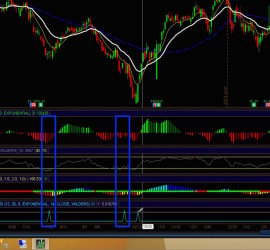
Tired of looping through dozens of charts just to find the few stocks that meet your criteria? Wouldn’t you rather just glance at your watch list and instantly see those half dozen stocks all sorted at the top of your list? Looking for the needle in the haystack can be tedious and time consuming. This video demonstrates how to combine the

Thinkorswim Custom Watch List Columns

Thinkorswim Scan MACD RSI Squeeze

Thinkorswim Scan MACD RSI Squeeze 23

Free custom indicator included, and linked below. One of our viewers contacted us via Facebook page asking for help with a custom scan on the Thinkorswim trading platform. The request was to demonstrate how to combine three indicators into a single scan. The specified indicators are the standard MACD, and RSI along with the *TTM Squeeze©.


Thinkorswim Custom Scan Stochastic MACD 21

Have you ever wished you could take your favorite setup and convert it to a custom scan? Wouldn’t it be great to just press the scan button and instantly have a list of qualified charts to review? In this video, you learn how to convert the logic of your setup into a custom scan on the Thinkorswim platform. You’ll have to work with a little bit of scripting language.

Thinkorswim Custom Scan Stochastic MACD