Welcome to our premium trading tools for Thinkorswim
Thinkorswim Premium Trading Tools: The vast majority of content on this website consists of FREE trading tools, education and custom solutions in our Q&A Forum. Please consider supporting my continued work by purchasing one or more premium trading tools.
How to find the right tools for you?
Begin by viewing the screenshots in each section below. Clicking on a screenshot will open a larger view. This will help you discover which ones merit further study.
When you find something that fits, watch the demo video (blue button below the screenshots). Each demo video opens in it’s own page and includes a topical index so you can jump straight to an area of interest.
To save time I suggest you focus on the following two topics for each demo video:
“Overview”
“Where to Buy”
In just 15 minutes, you will have a clear idea whether that indicator package would be a good fit for your trading toolbox.
On that page you will find an entry level indicator which corresponds to each of the premium packages listed below. Prices for the entry level version are about 25% of the cost of the complete packages listed below.
Tip: For complete details on each, click the "Demo Video" button
Volume Profile SR
Click an image to zoom in
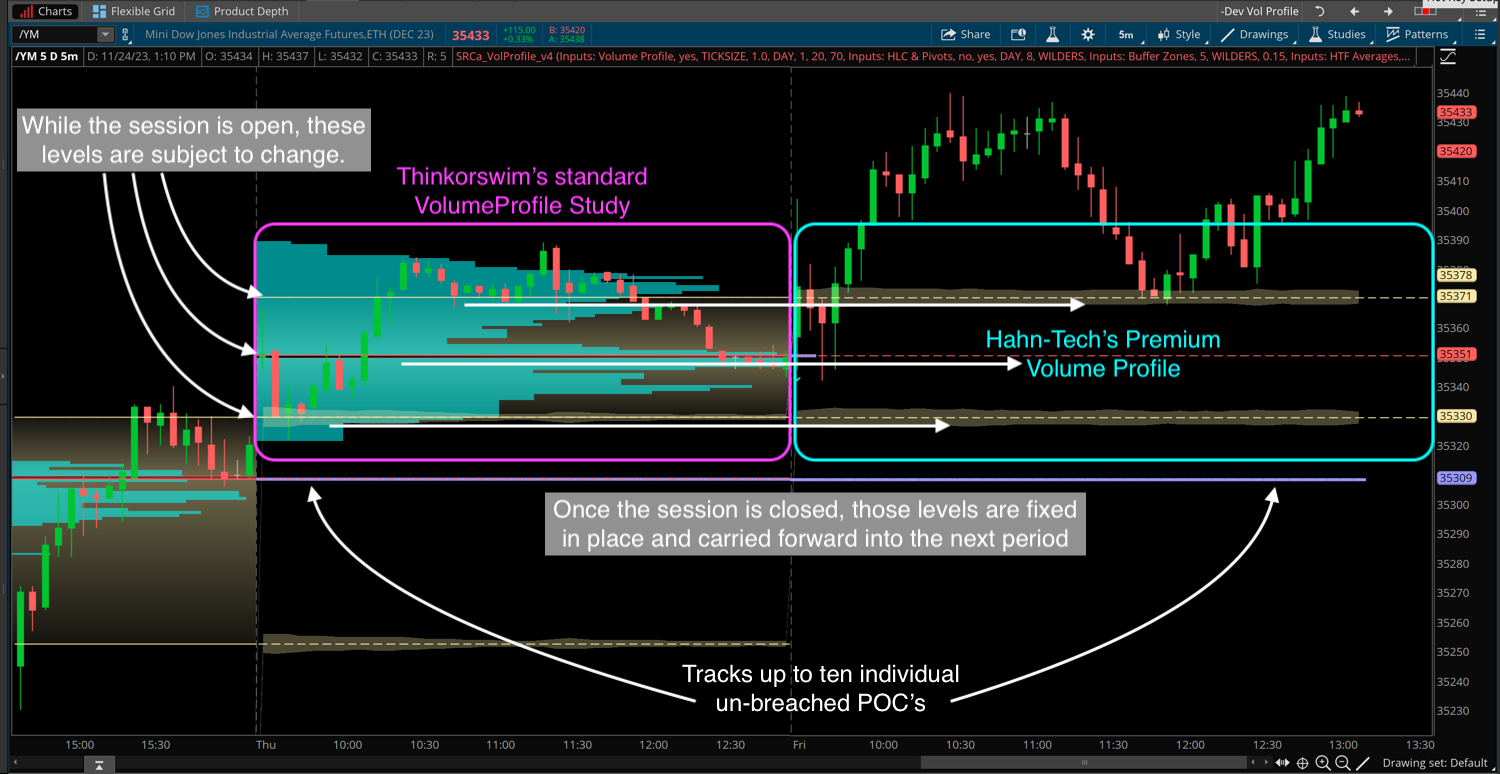
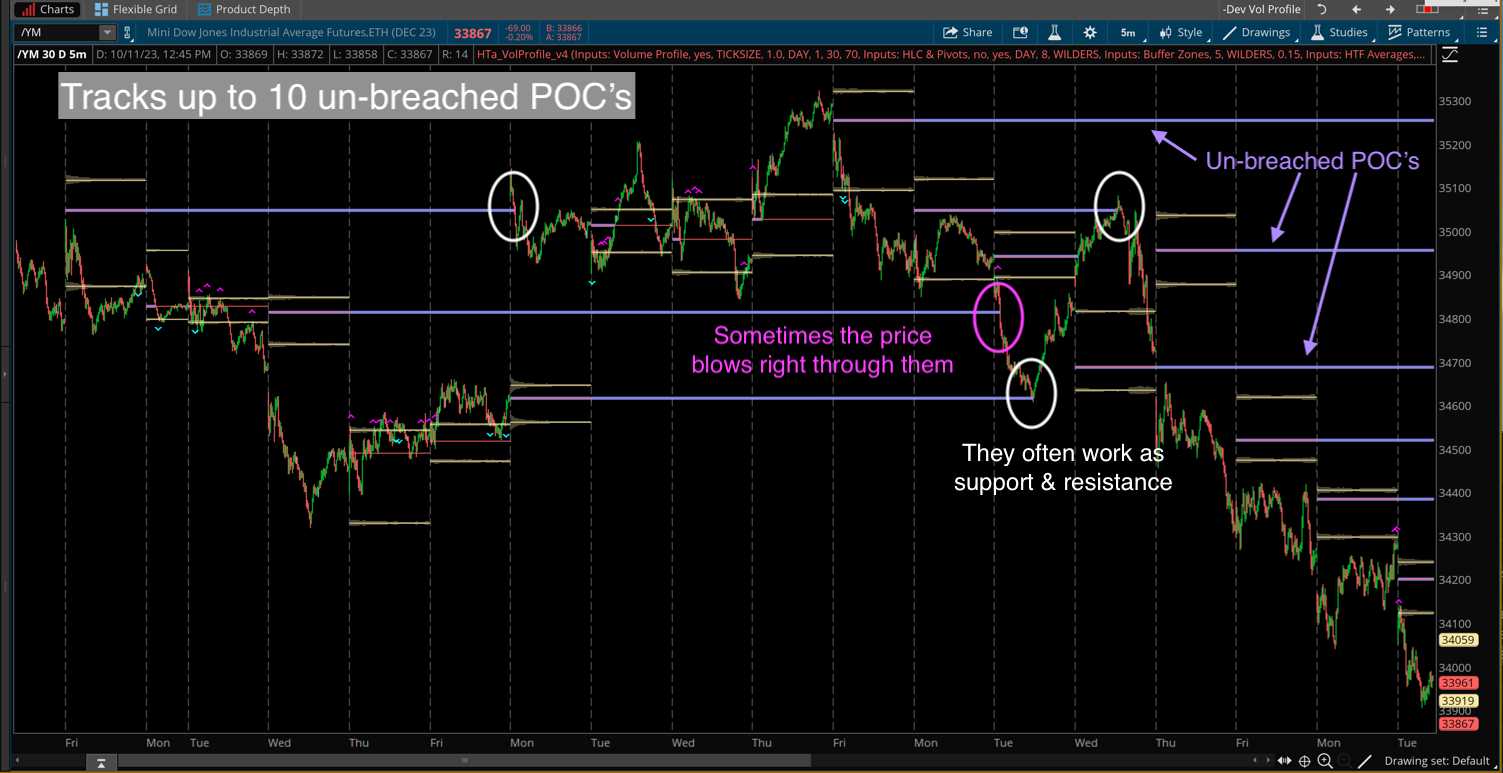
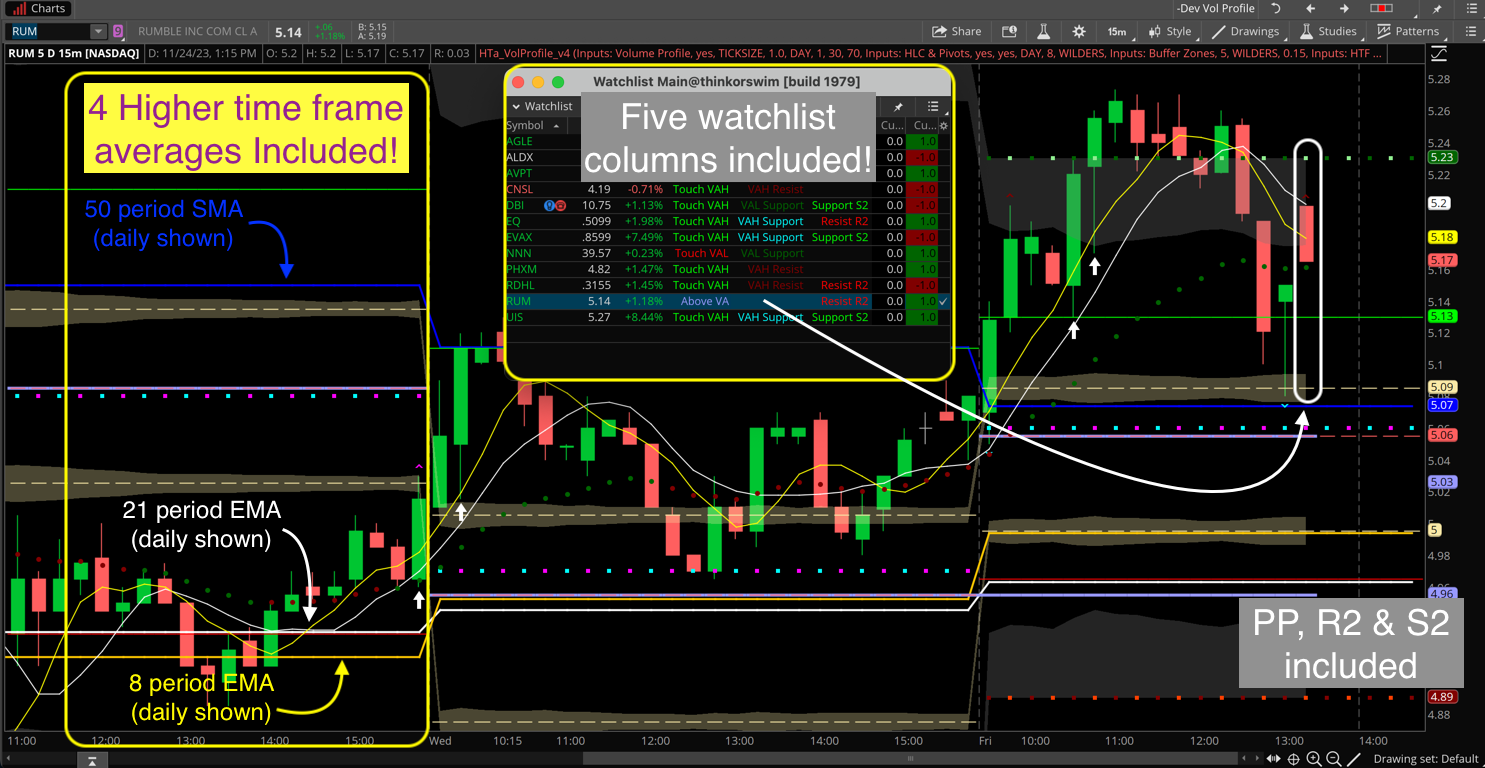
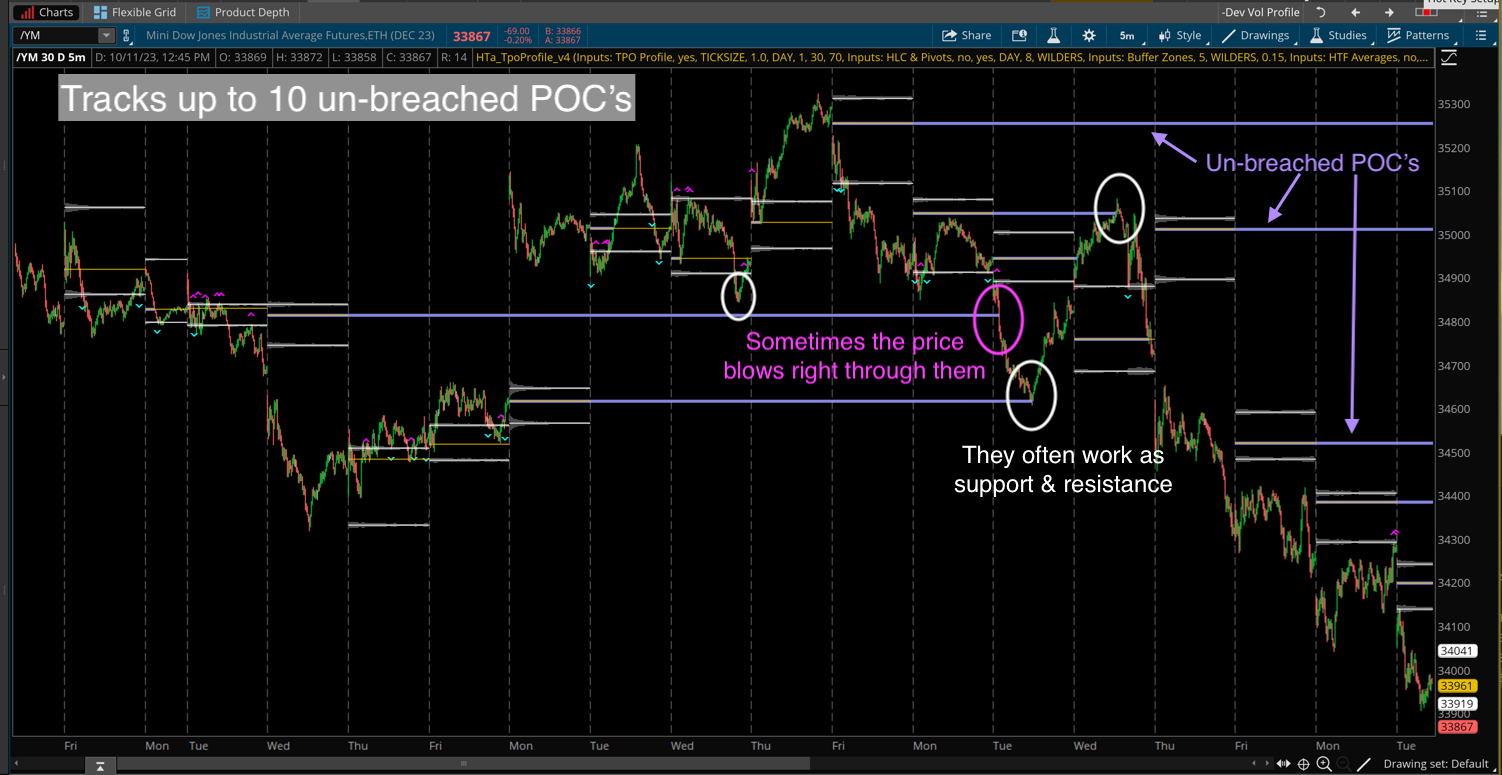
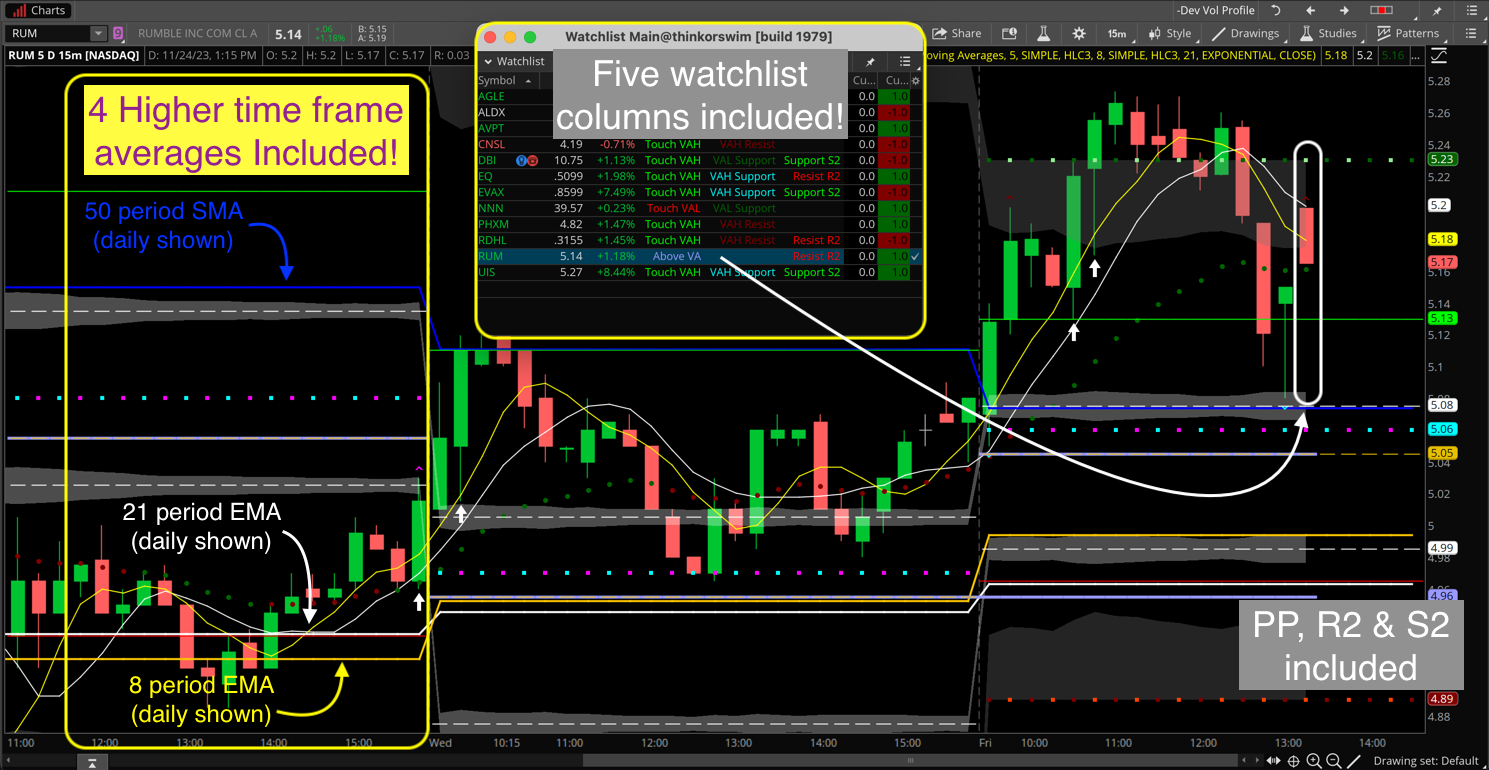
Projects POC, VAH & VAL forward into the next profile period to serve as static support/resistance levels. Includes chart indicator, scans and watchlist columns. Volume data required. (does not work on Forex or indexes)
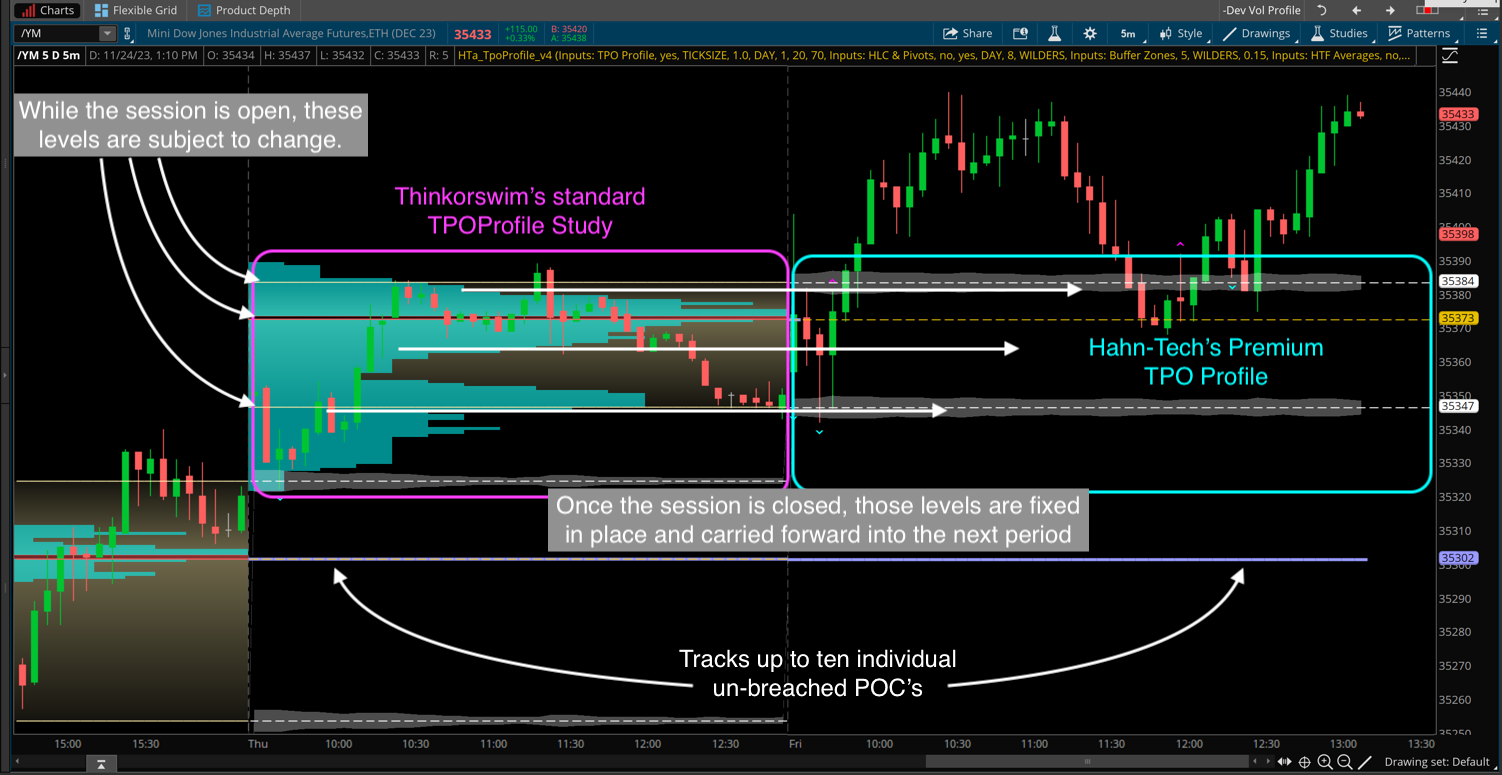
Same as the Volume Profile but this one is based solely on price data. Which means this one also plots on cash settled indexes, Forex & other instruments lacking volume data. Includes chart indicator, scans and watchlist columns.
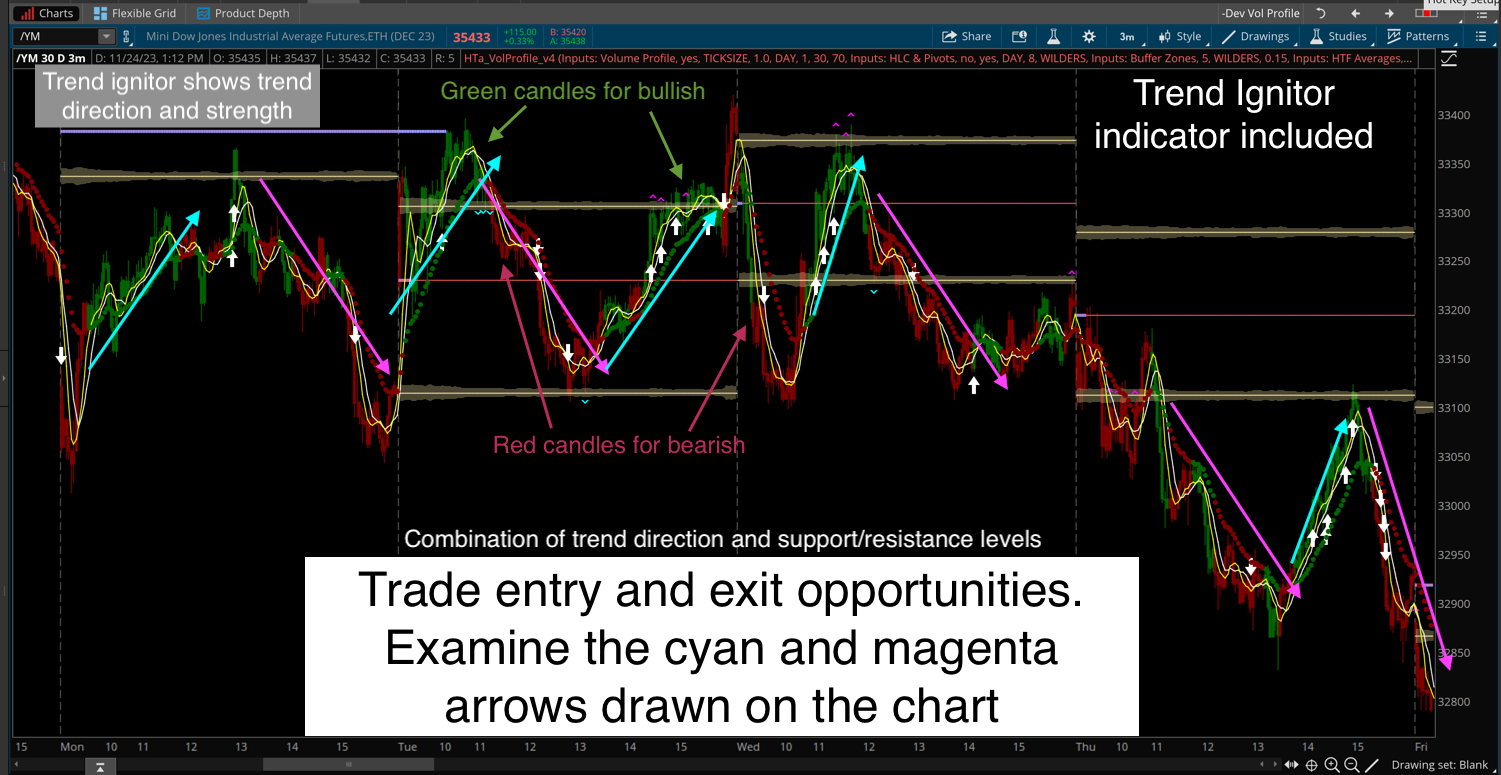
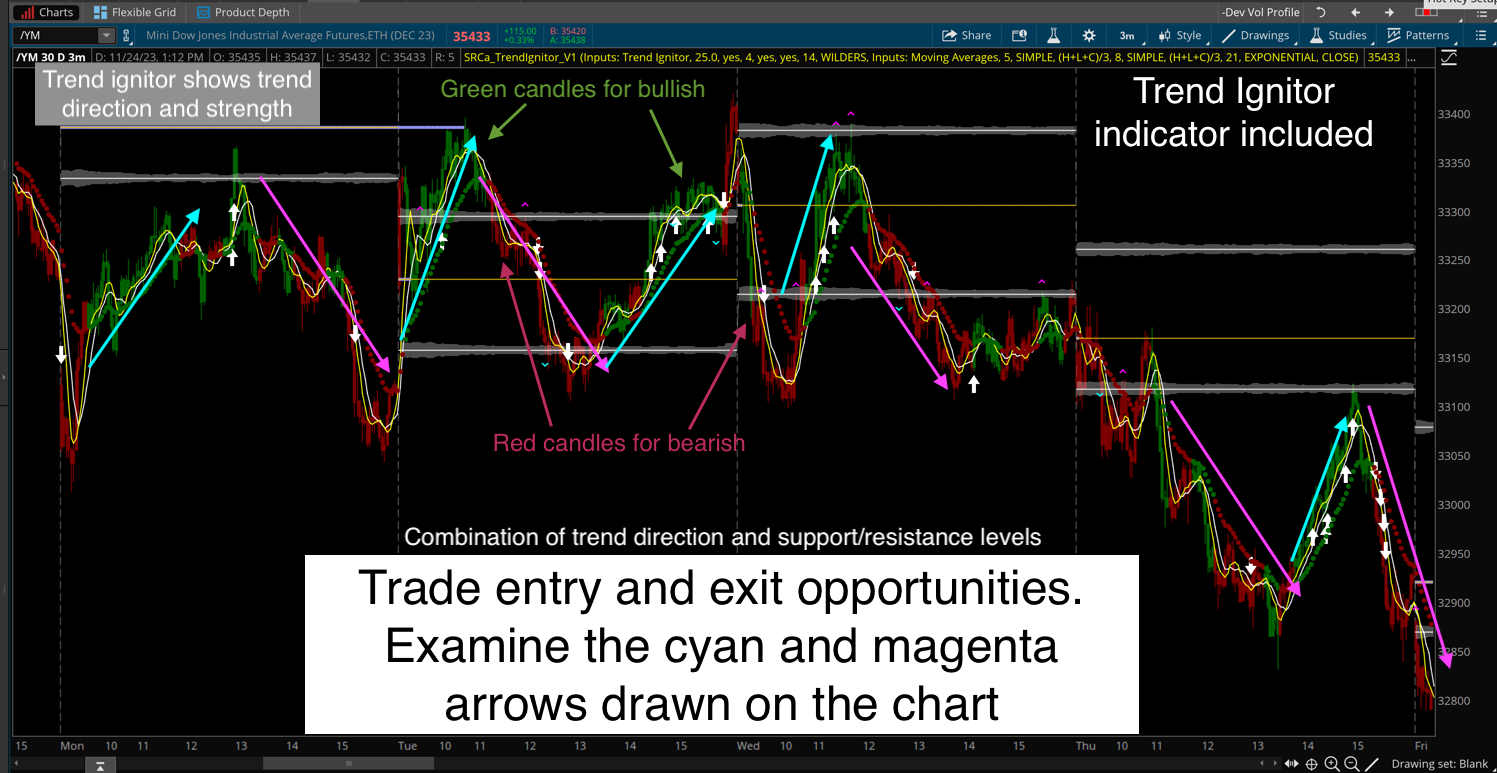
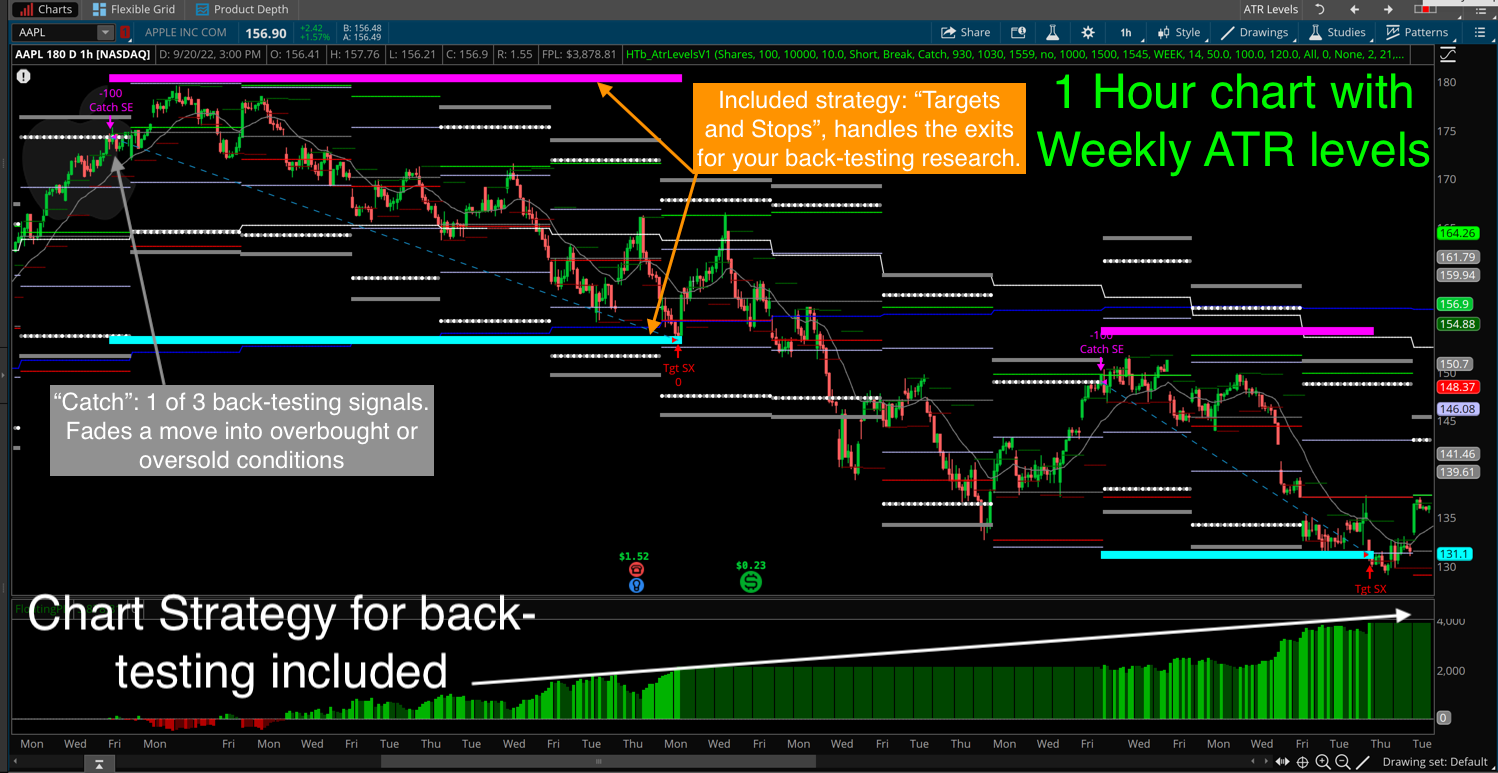
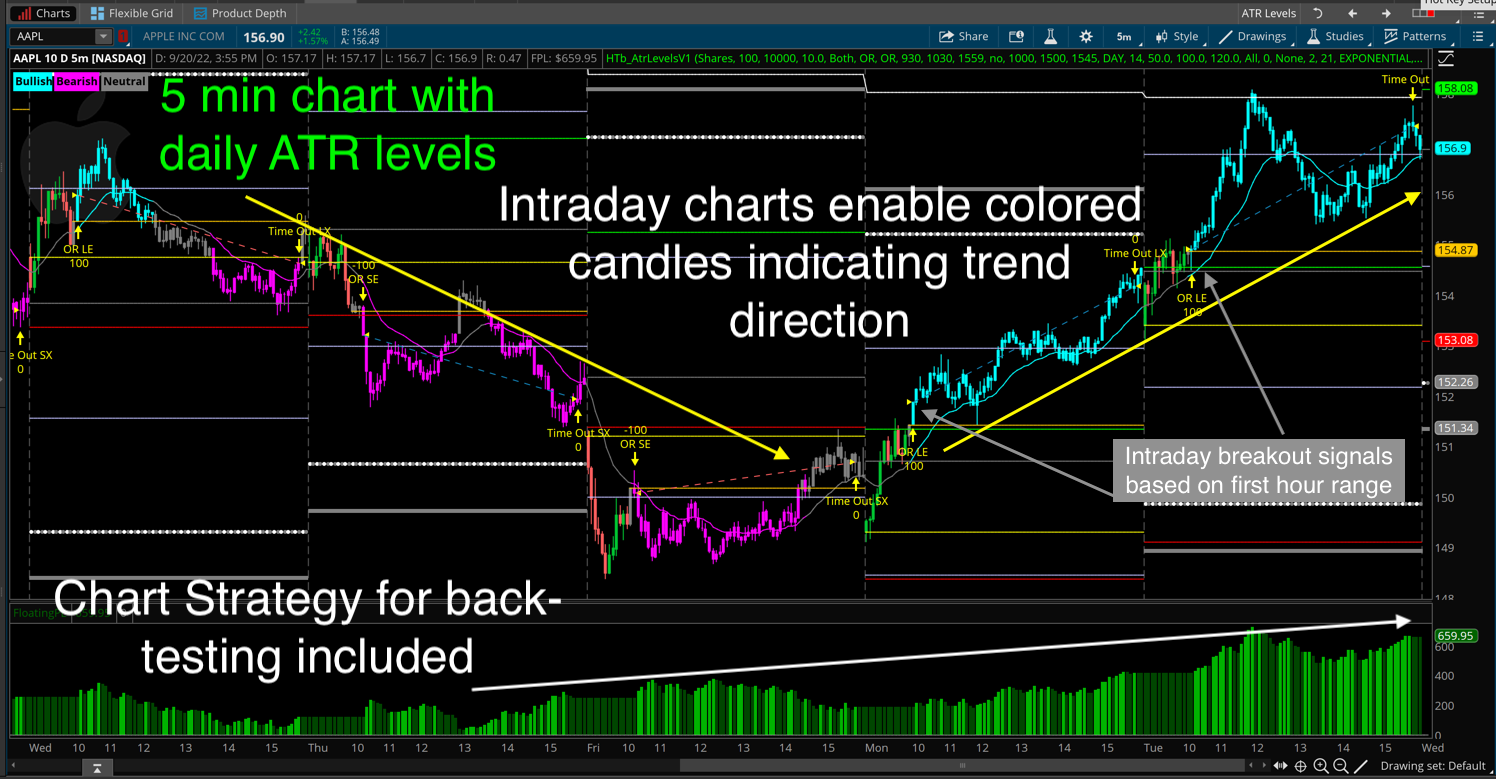
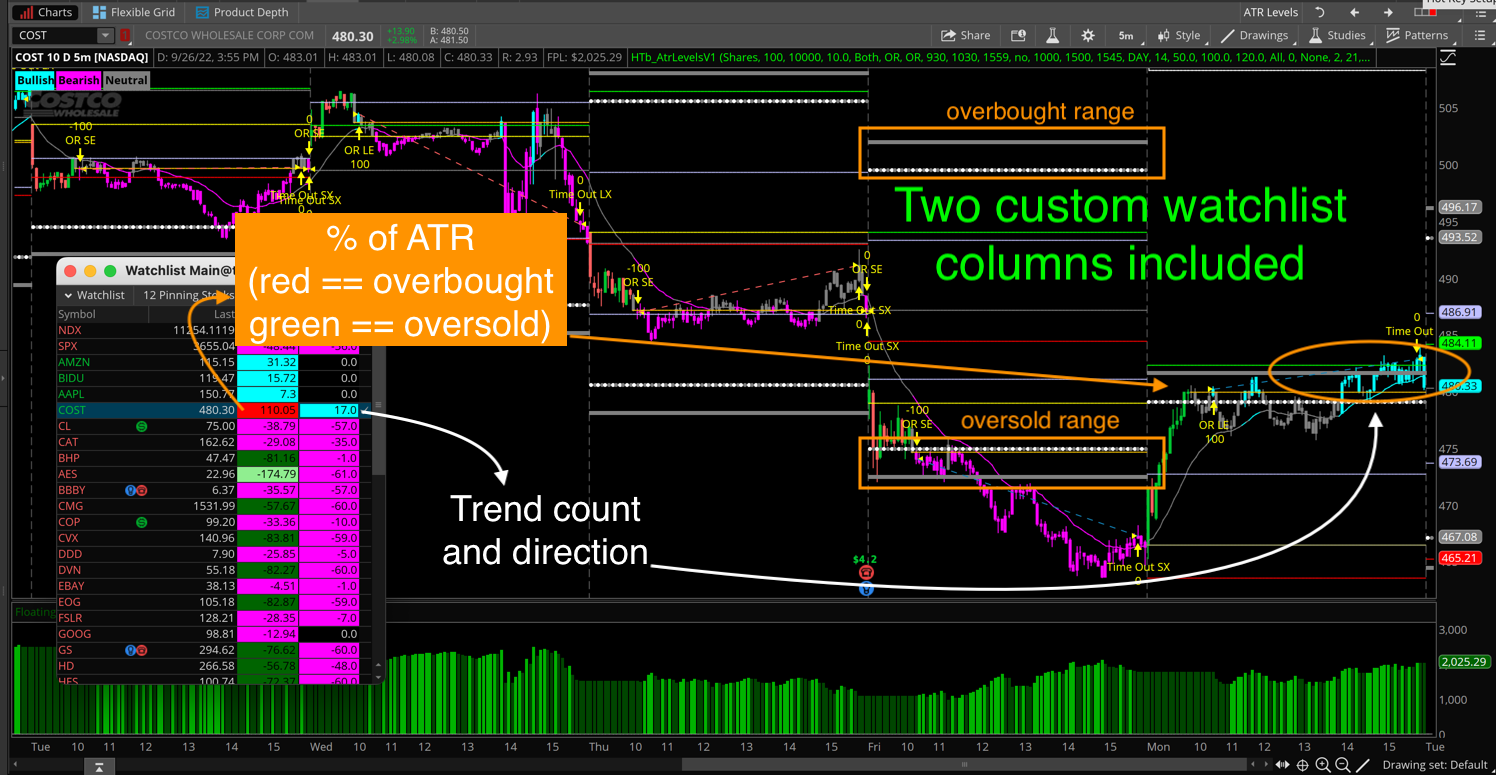
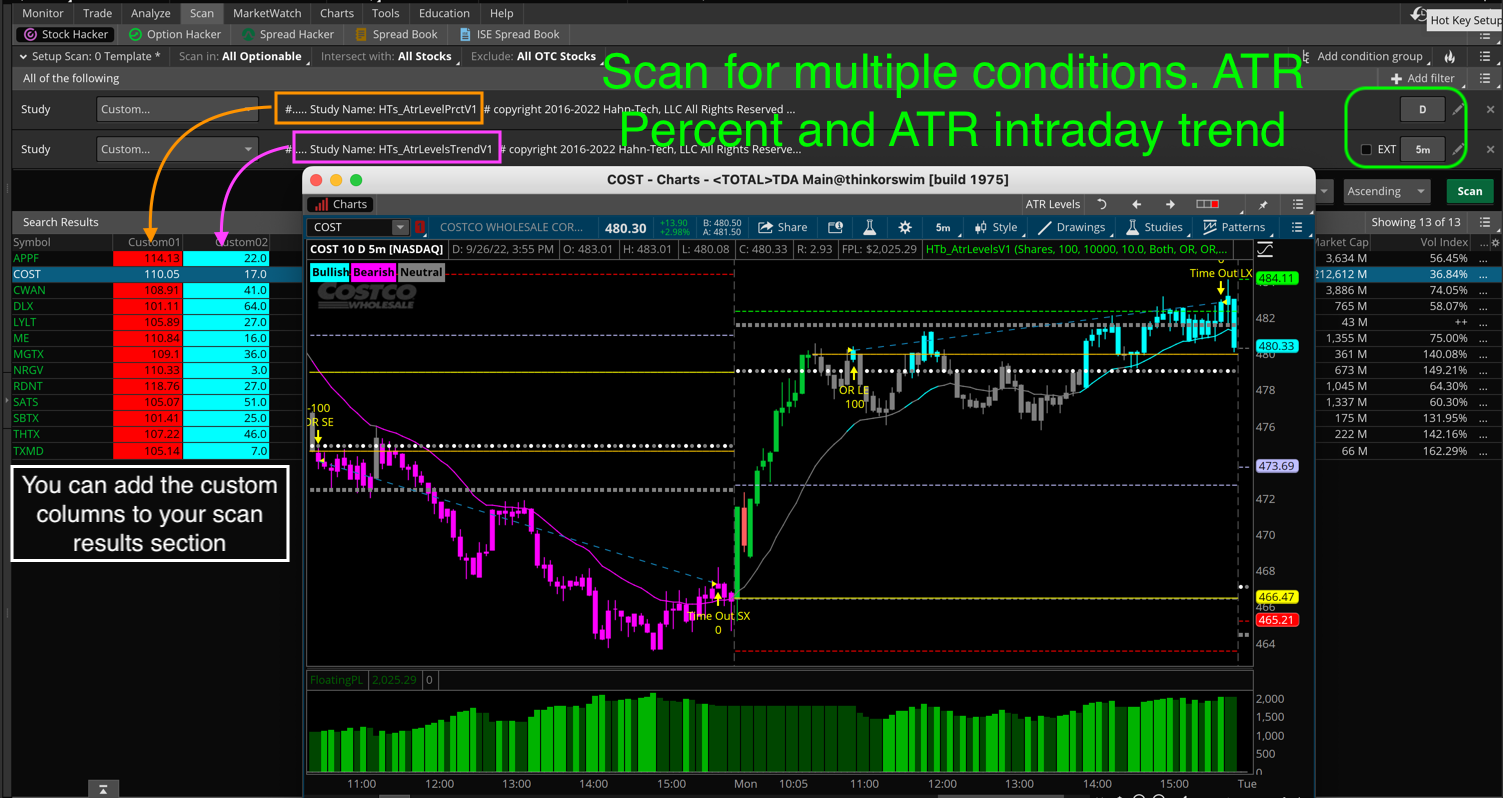
Displays key support/resistance (SR) levels to help identify potential trend reversals and Opening Range Breakouts (ORB) . Includes chart indicator, scan, watchlist and strategy for back-testing.
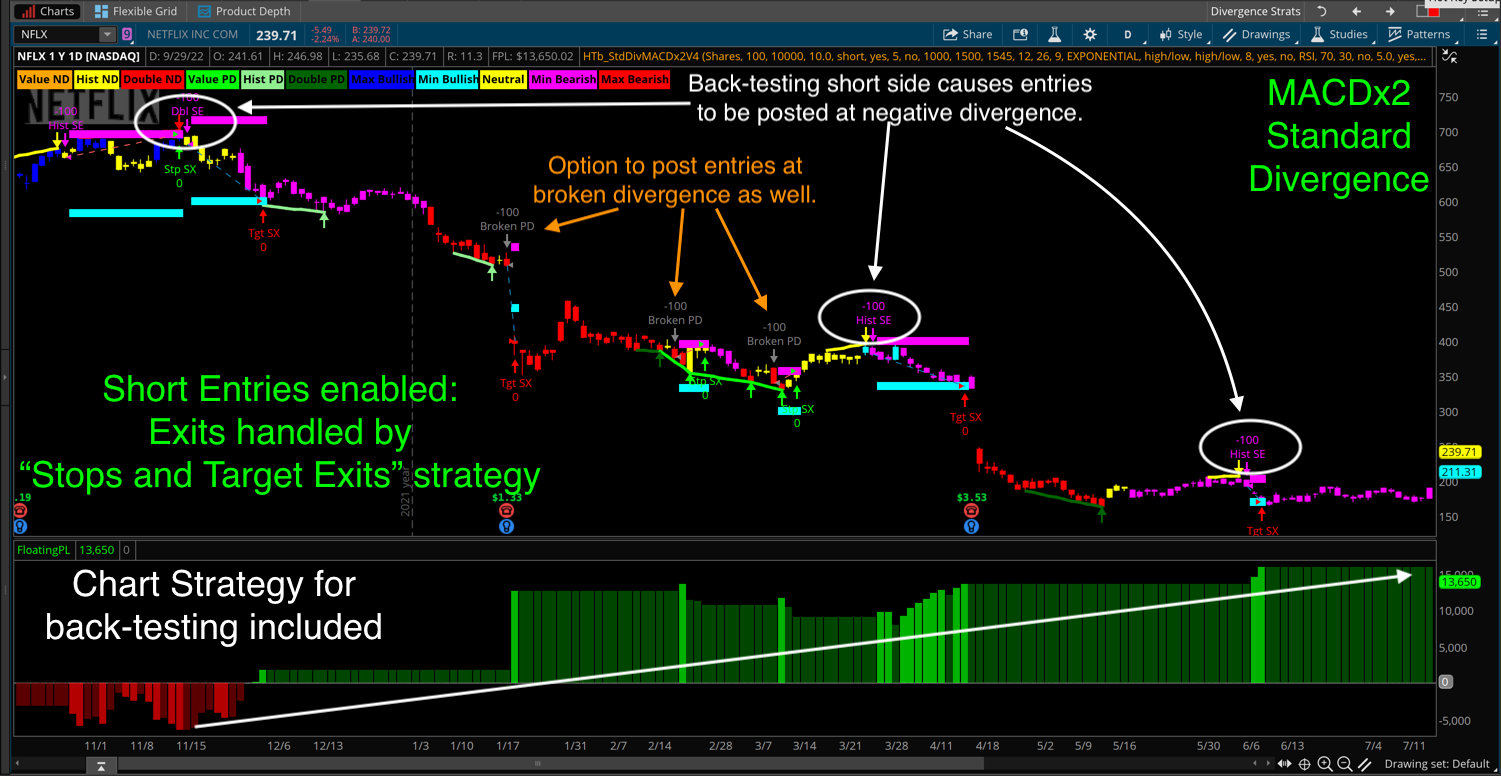
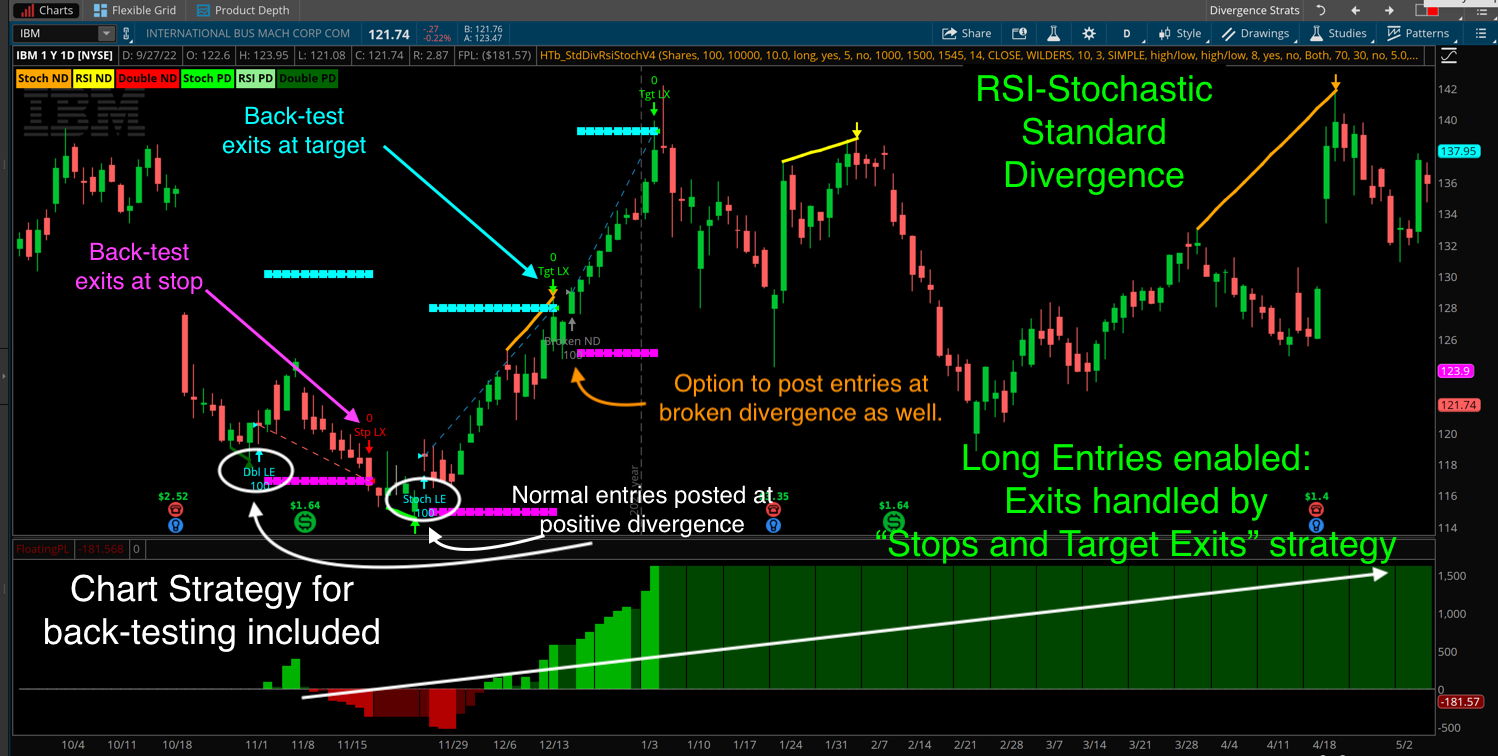
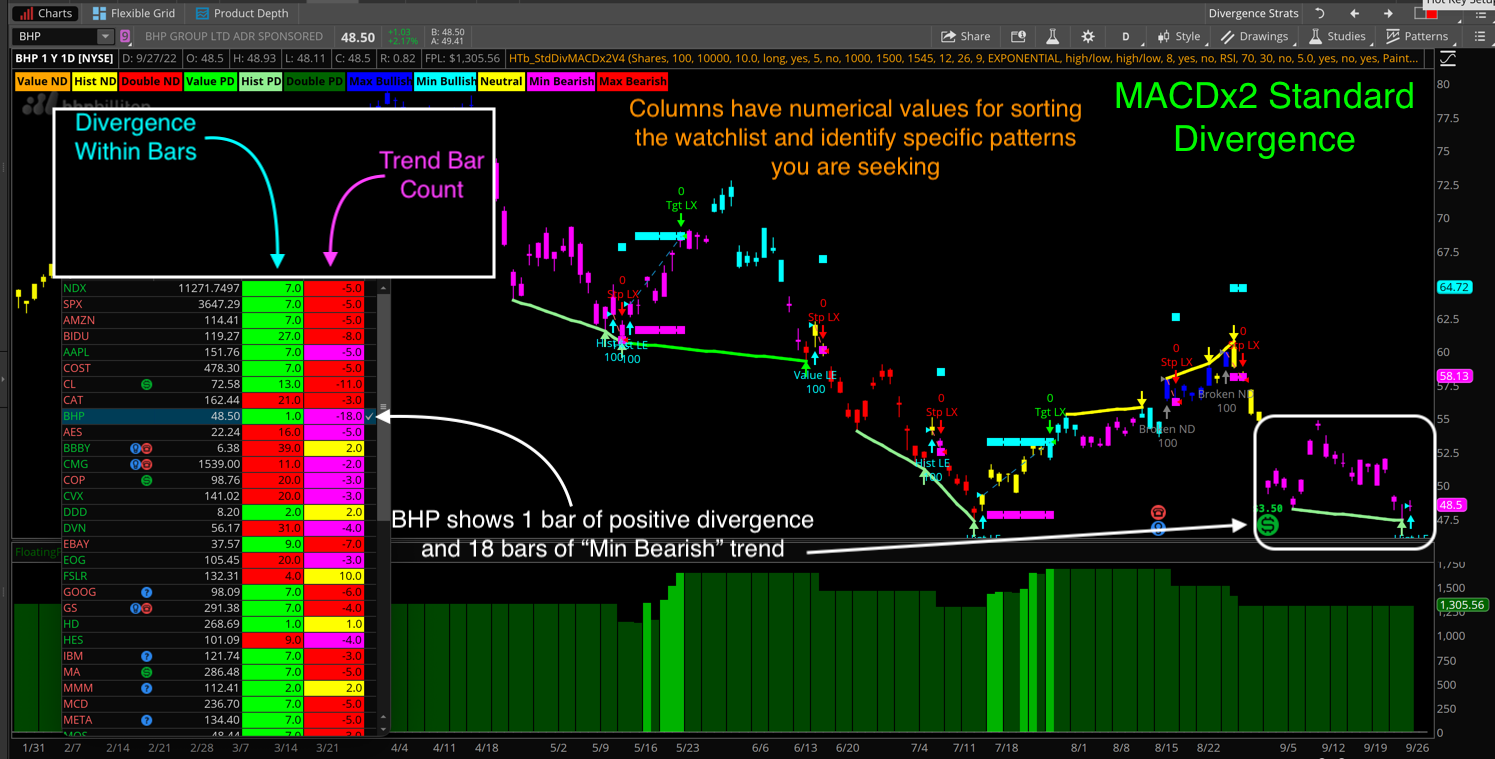
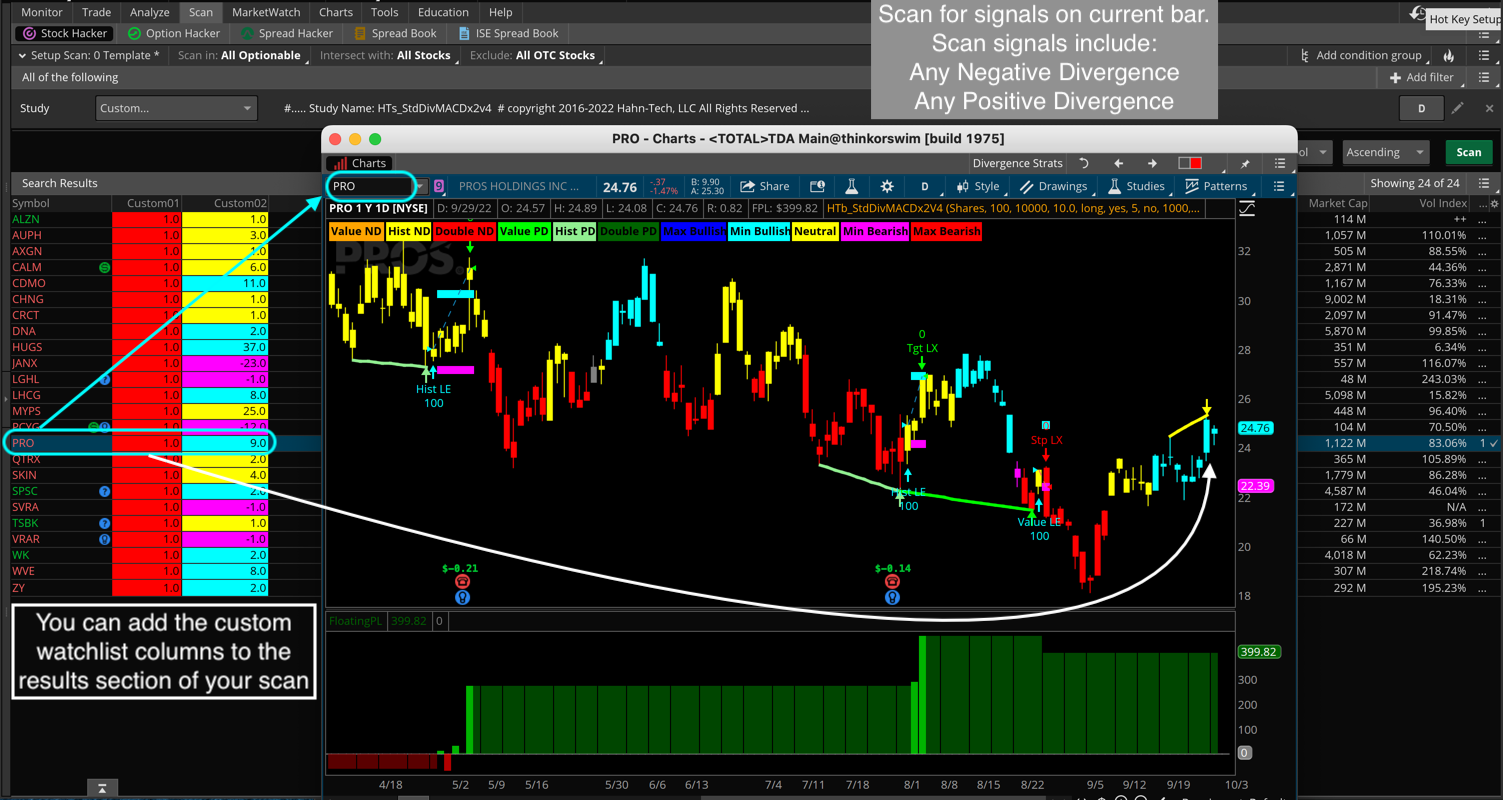
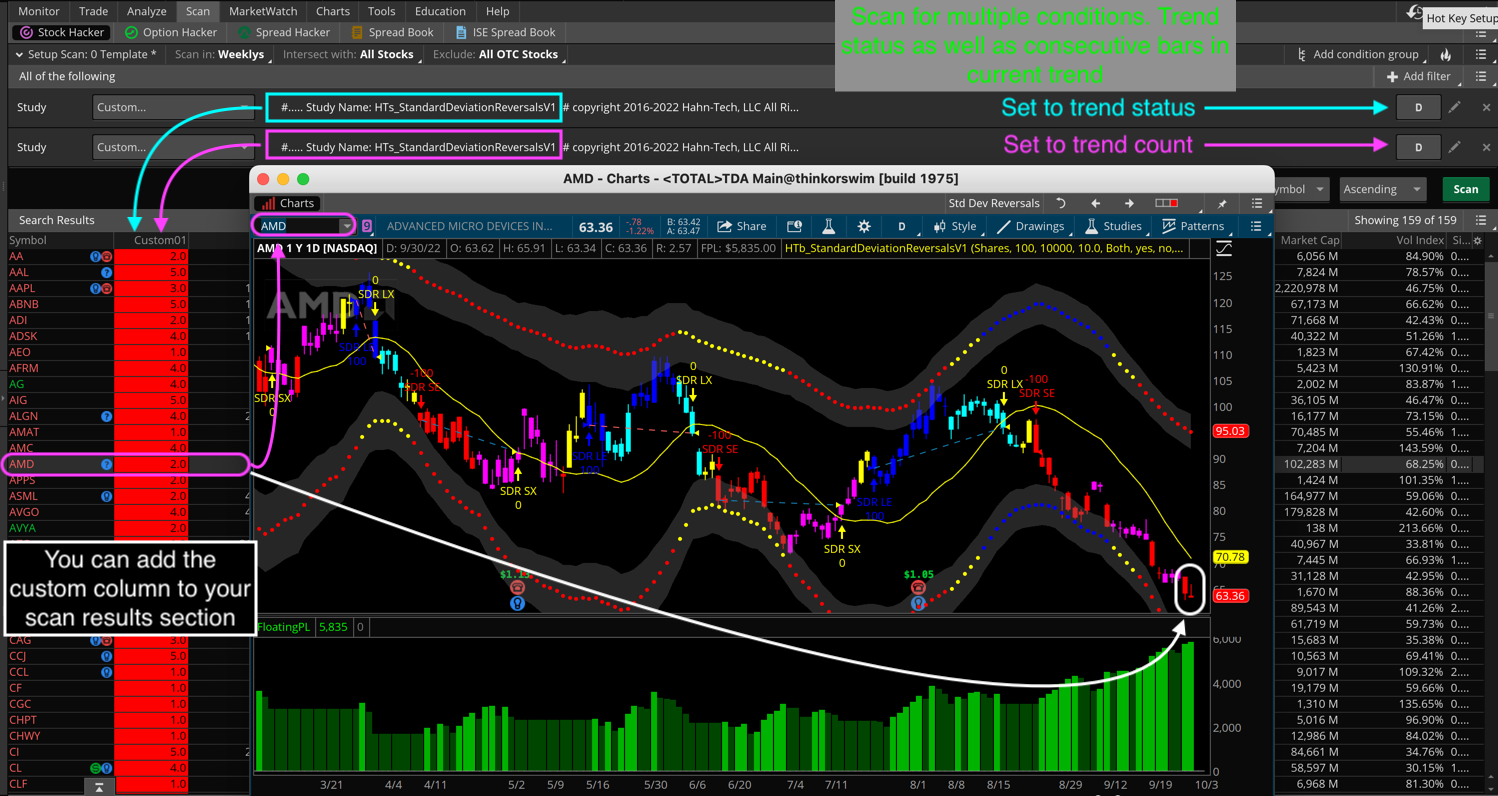
Alerts & plots lines showing positive and negative Standard Divergence, based on two different lower study elements. Includes indicator, scan, watchlist and strategy for back-testing.
Too Expensive? Check the Standard Divergence Studies here
Hidden Divergence Trend
Click an image to zoom in
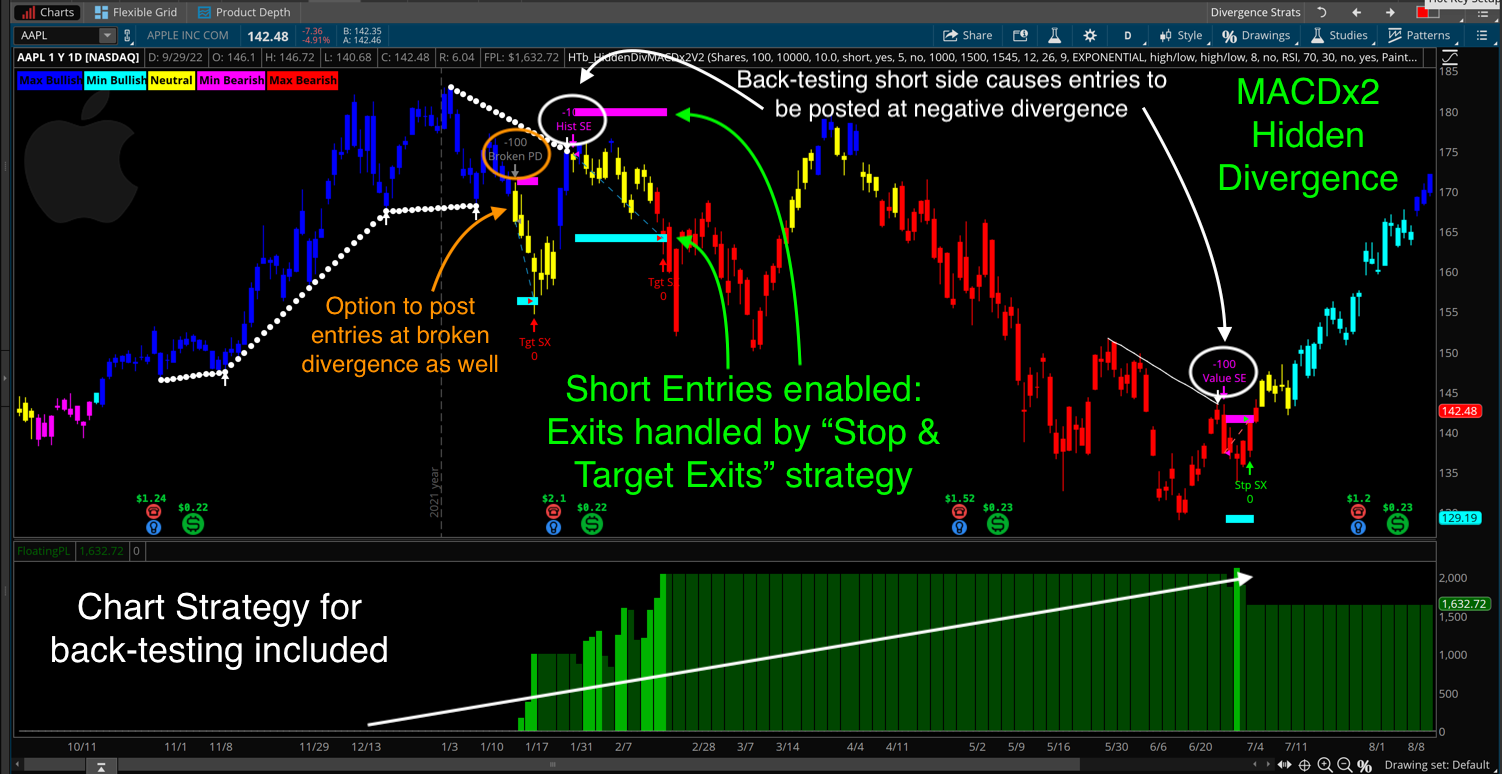
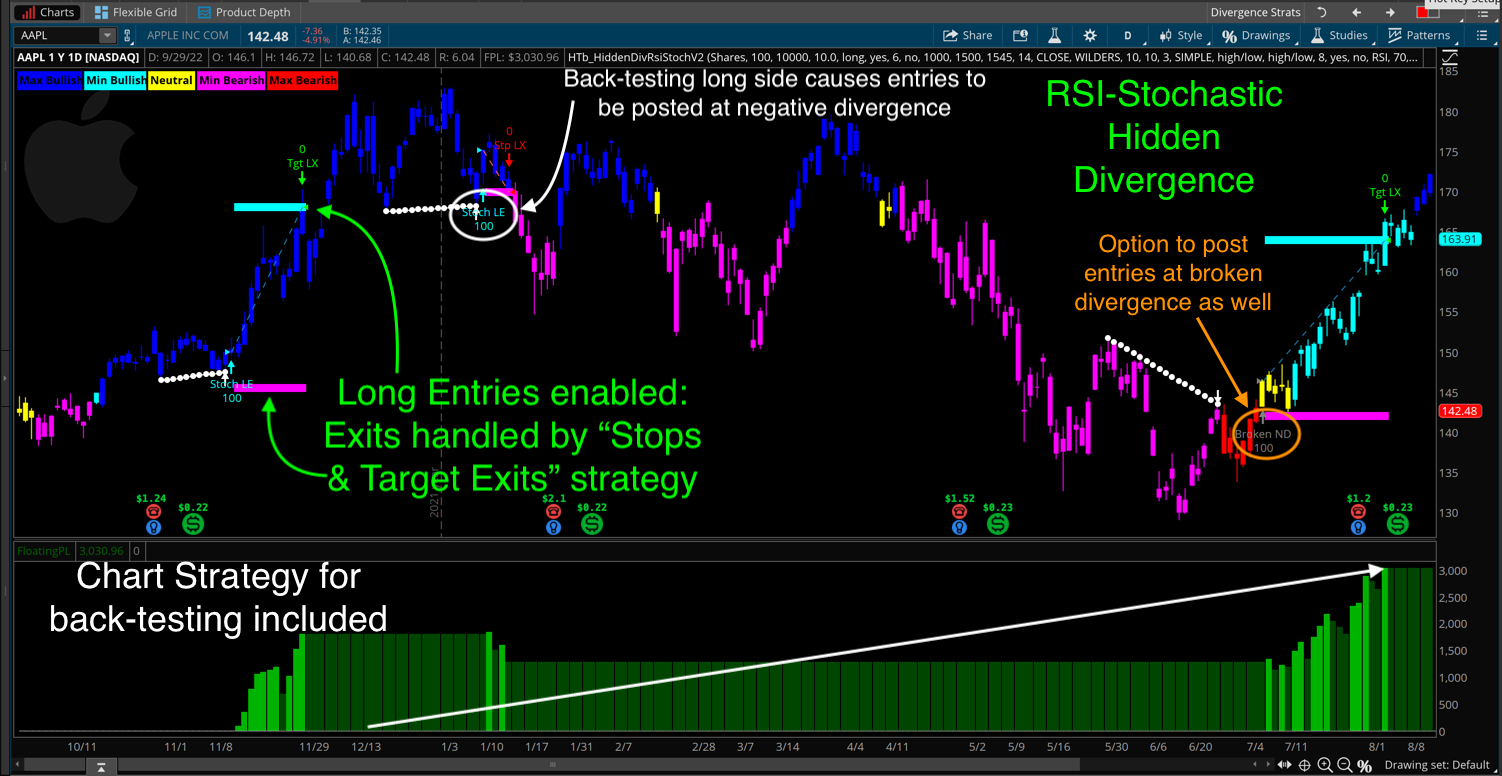
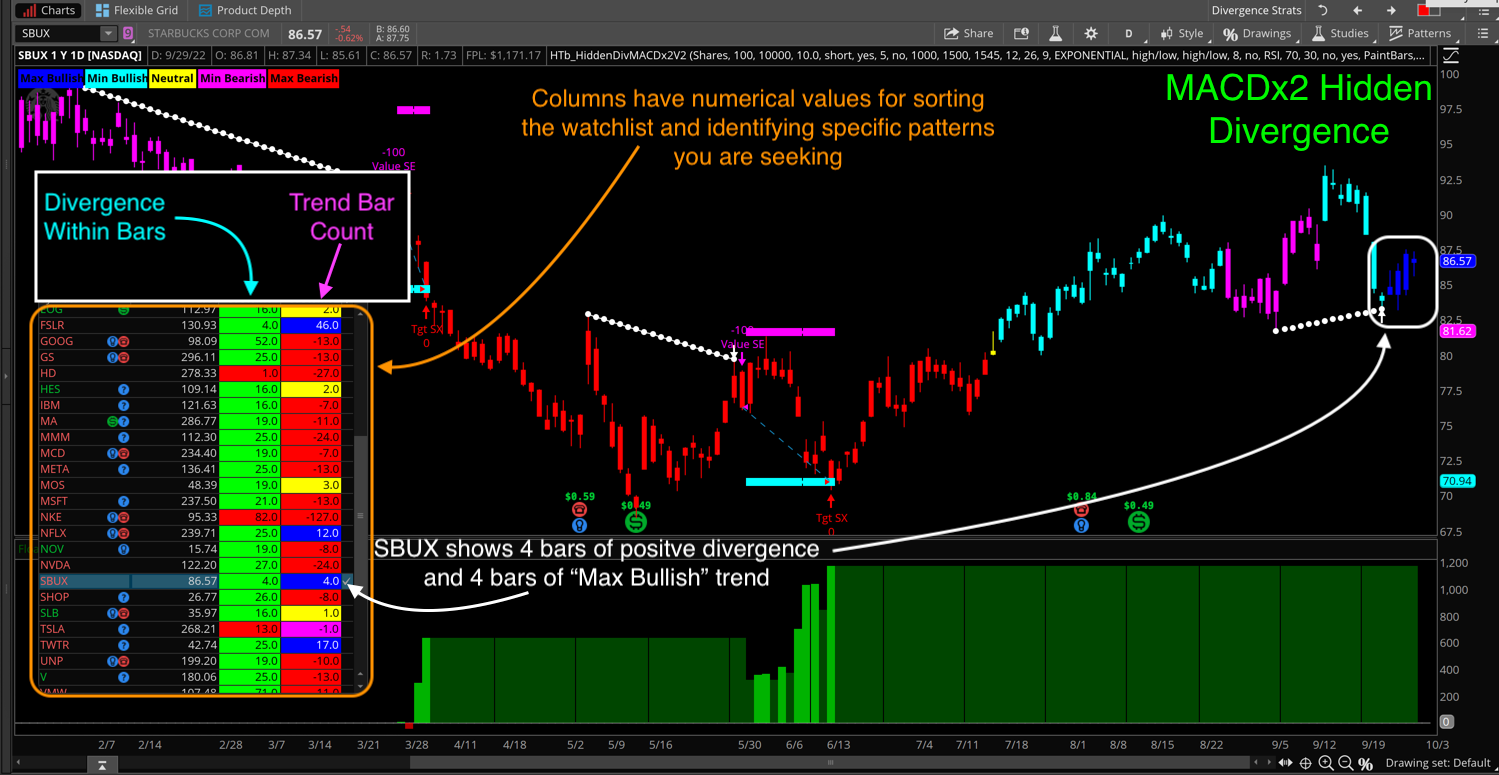
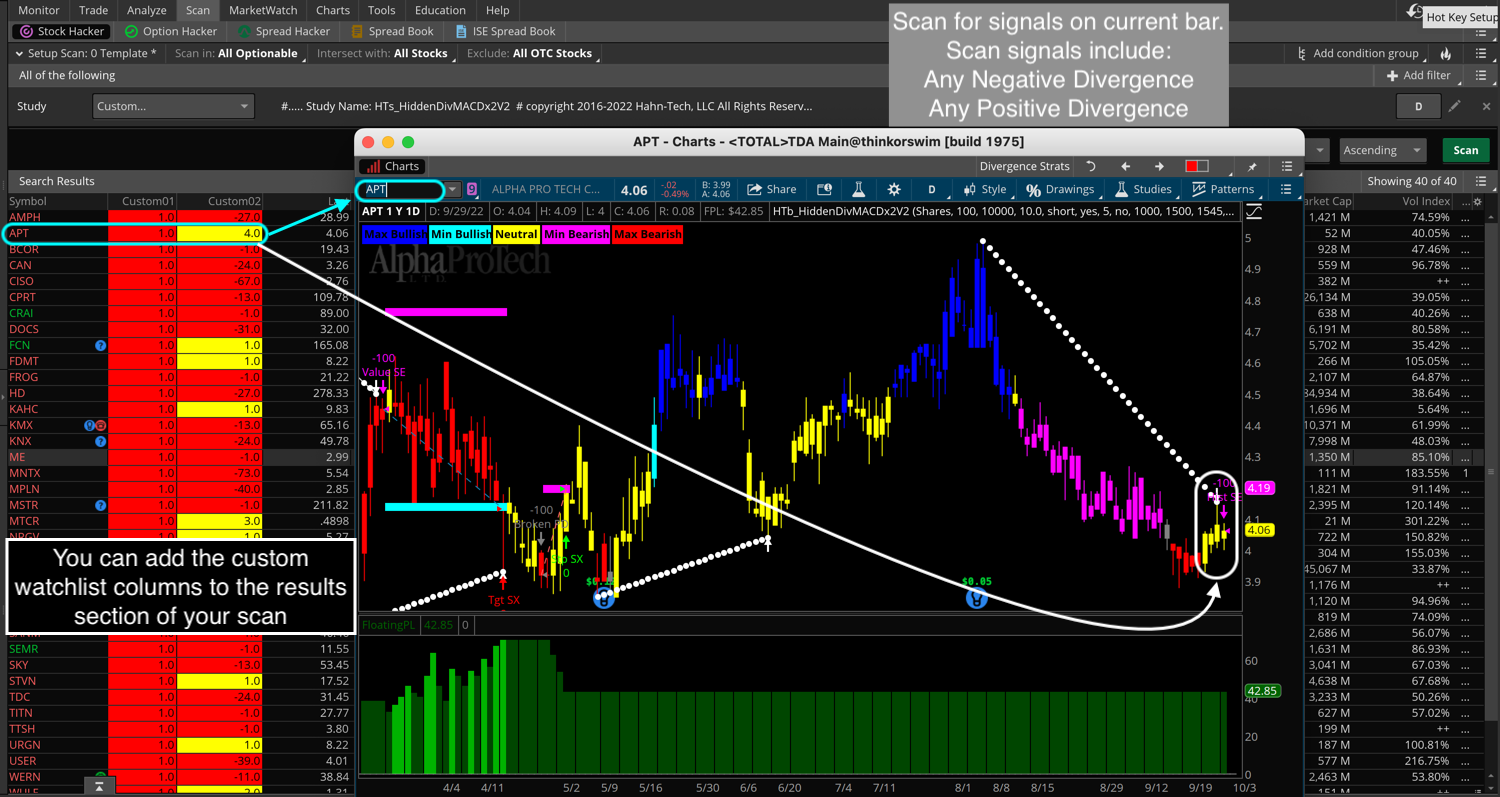
Alerts & plots lines showing positive and negative Hidden Divergence, based on two different lower study elements. Includes indicator, scan, watchlist and strategy for back-testing.
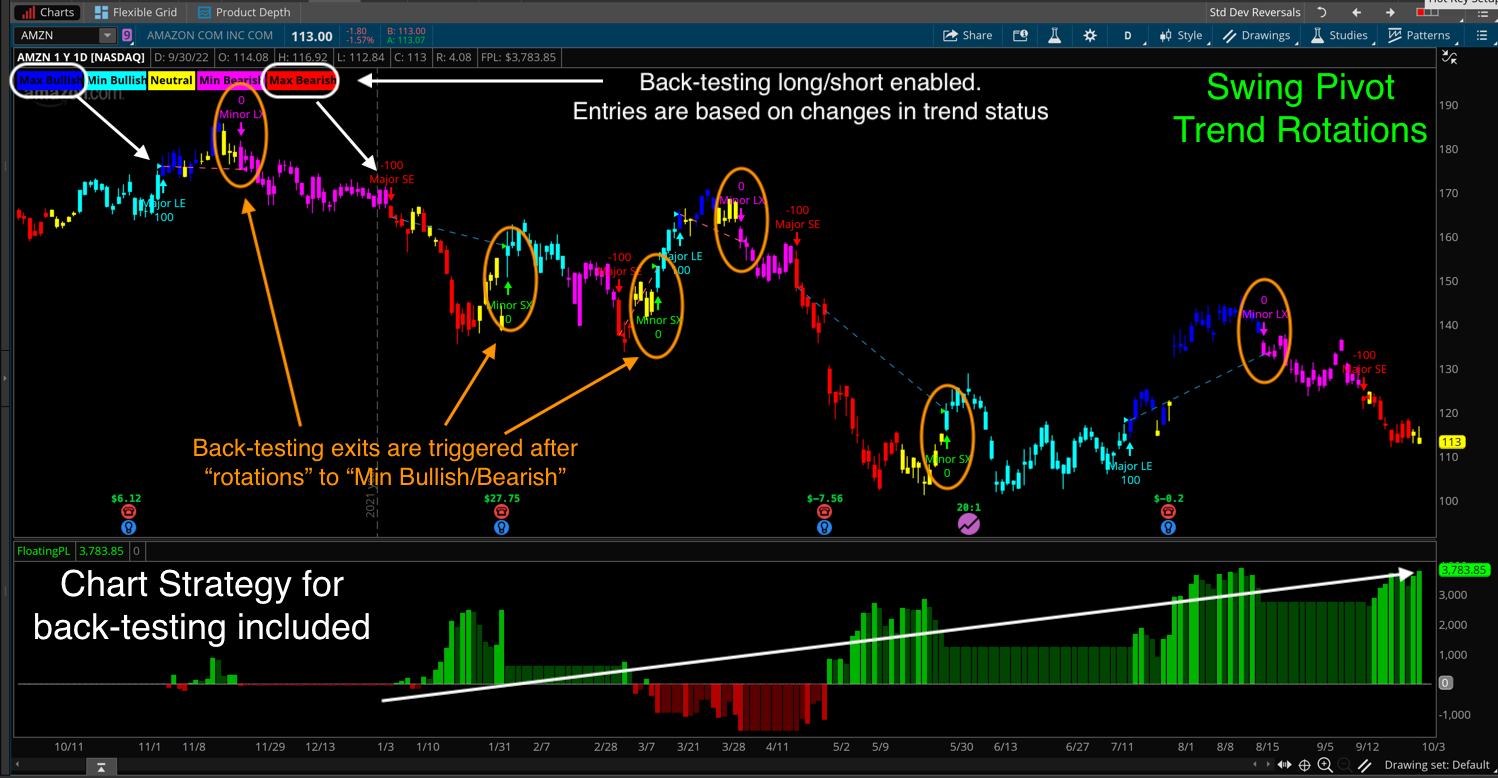
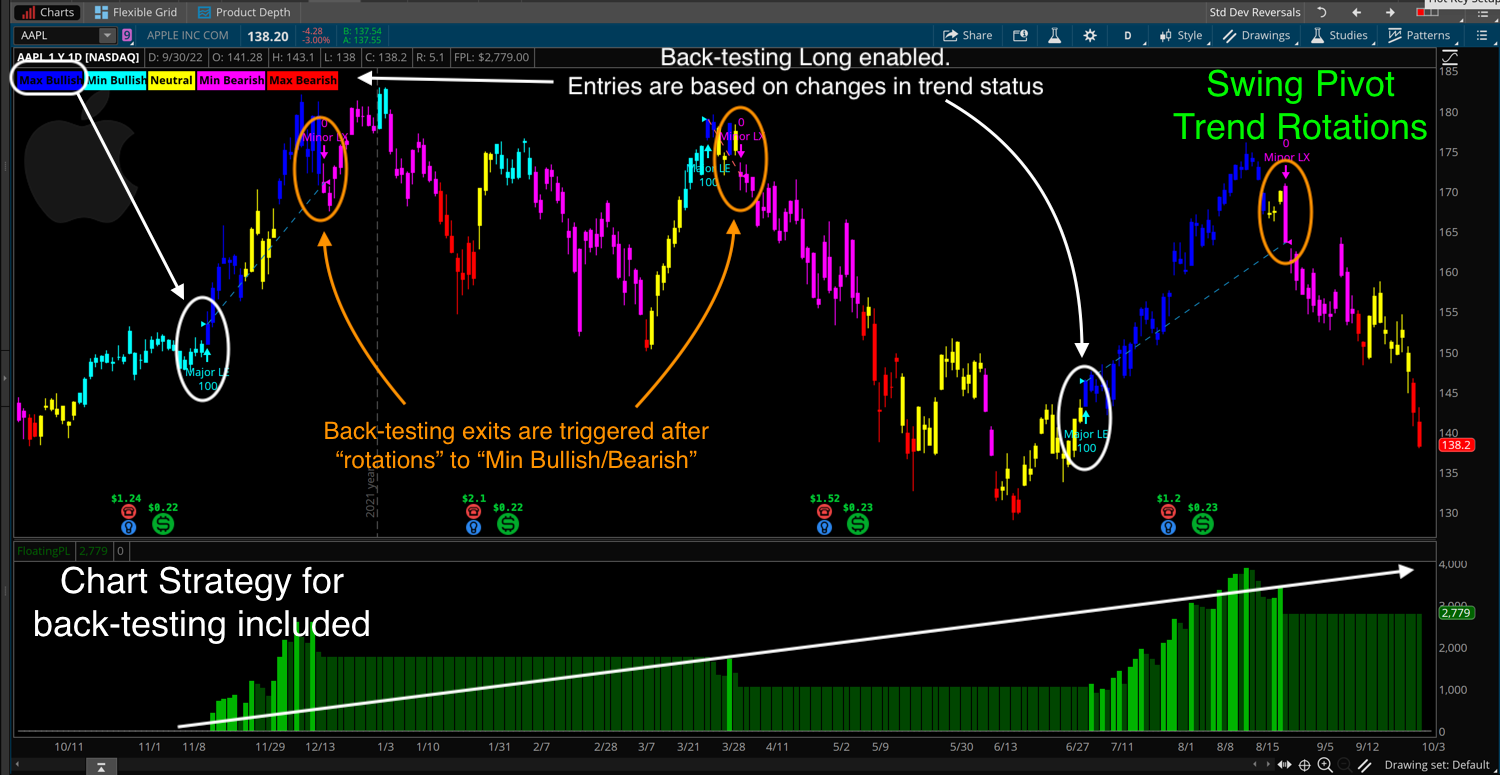
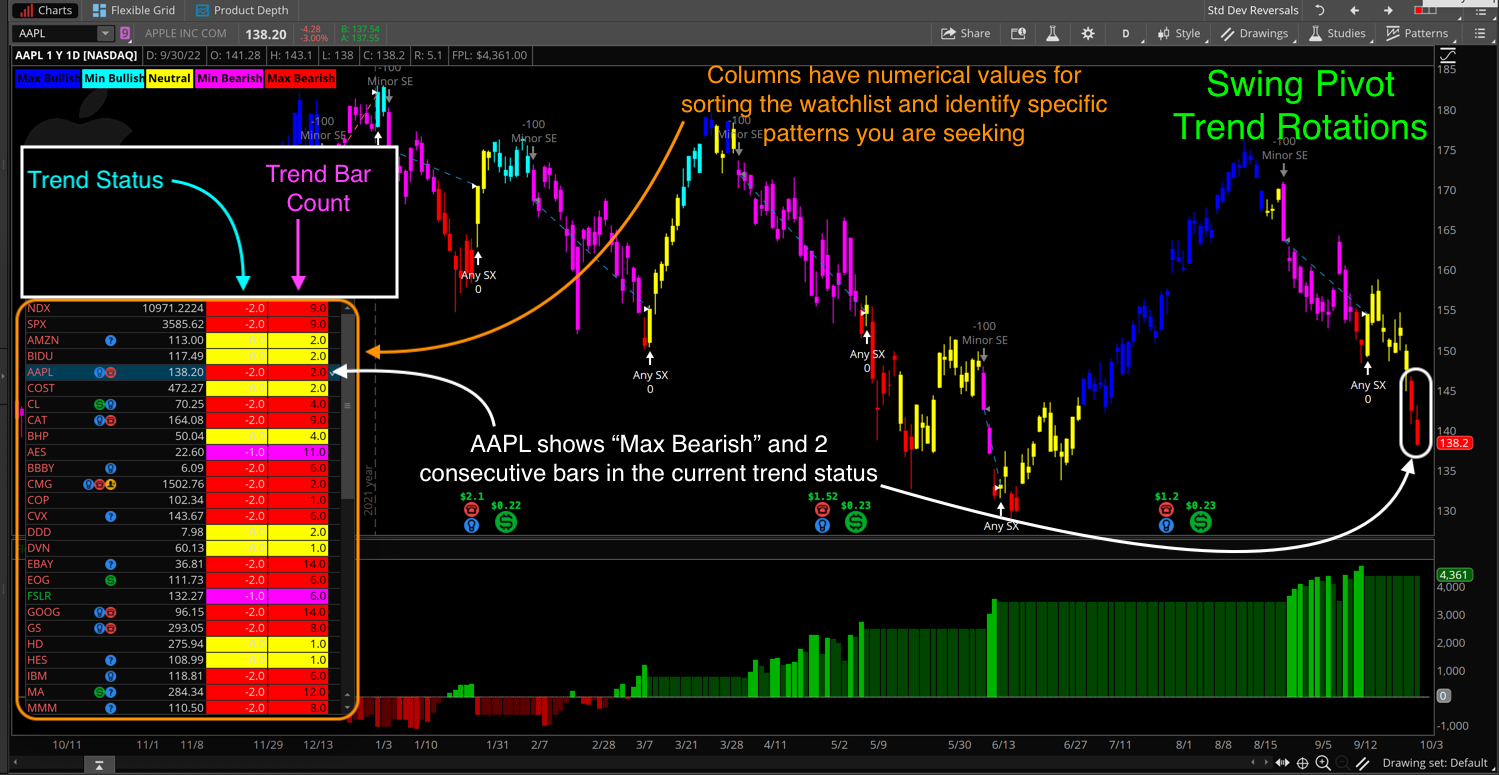
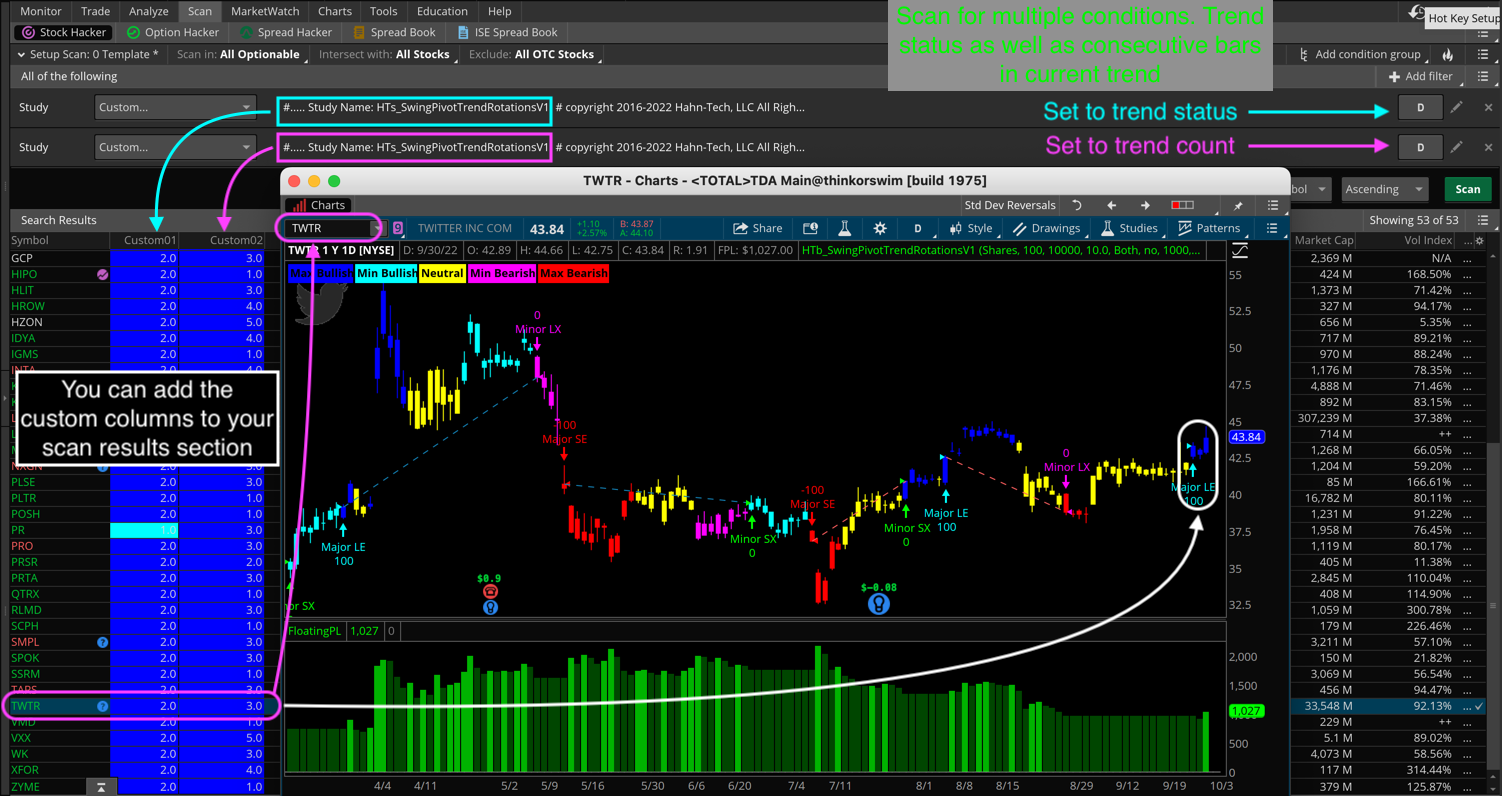
Displays trend formations based on minor and major swing pivots. Identifies trend reversals and breakouts. Includes indicator, scan, watchlist and strategy for back-testing.
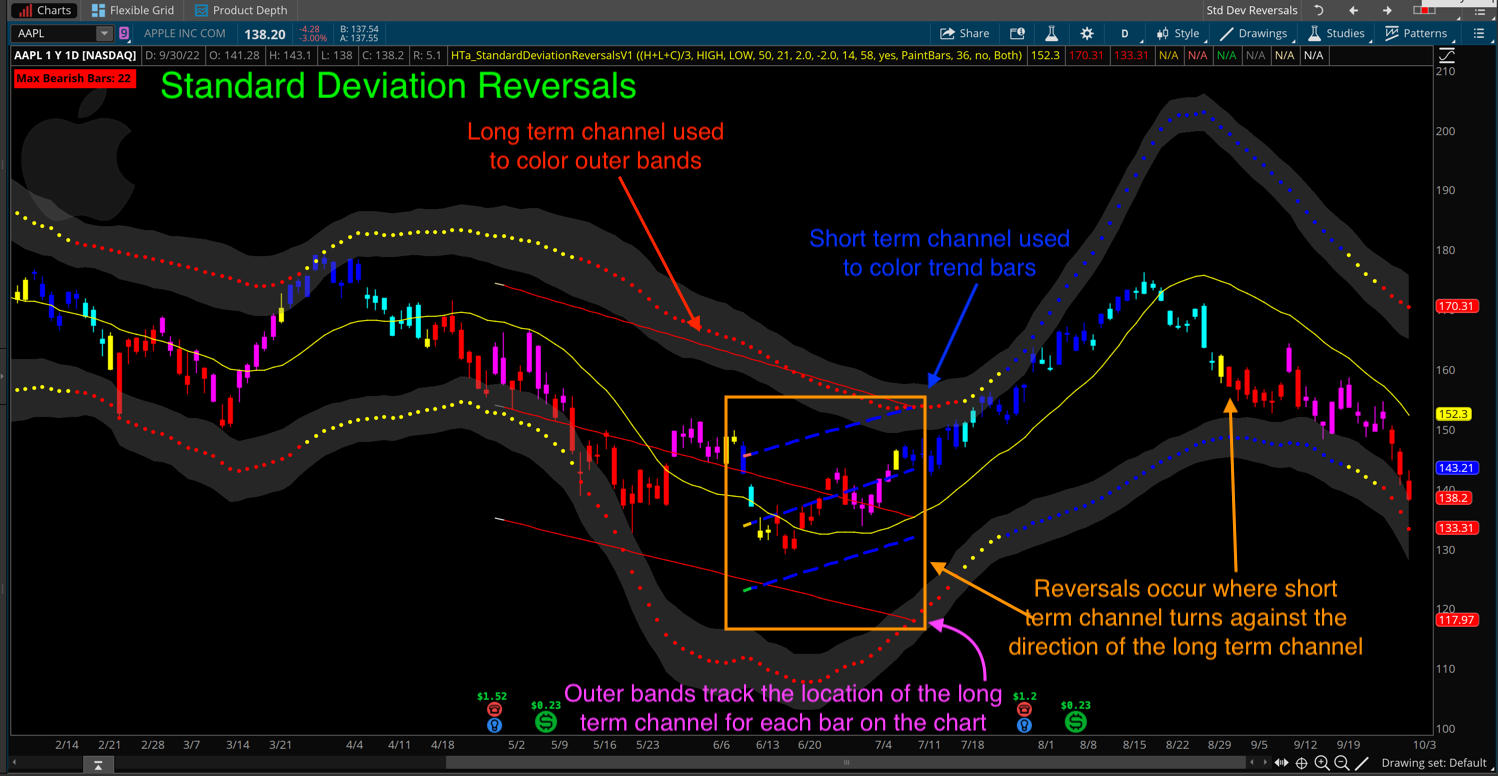
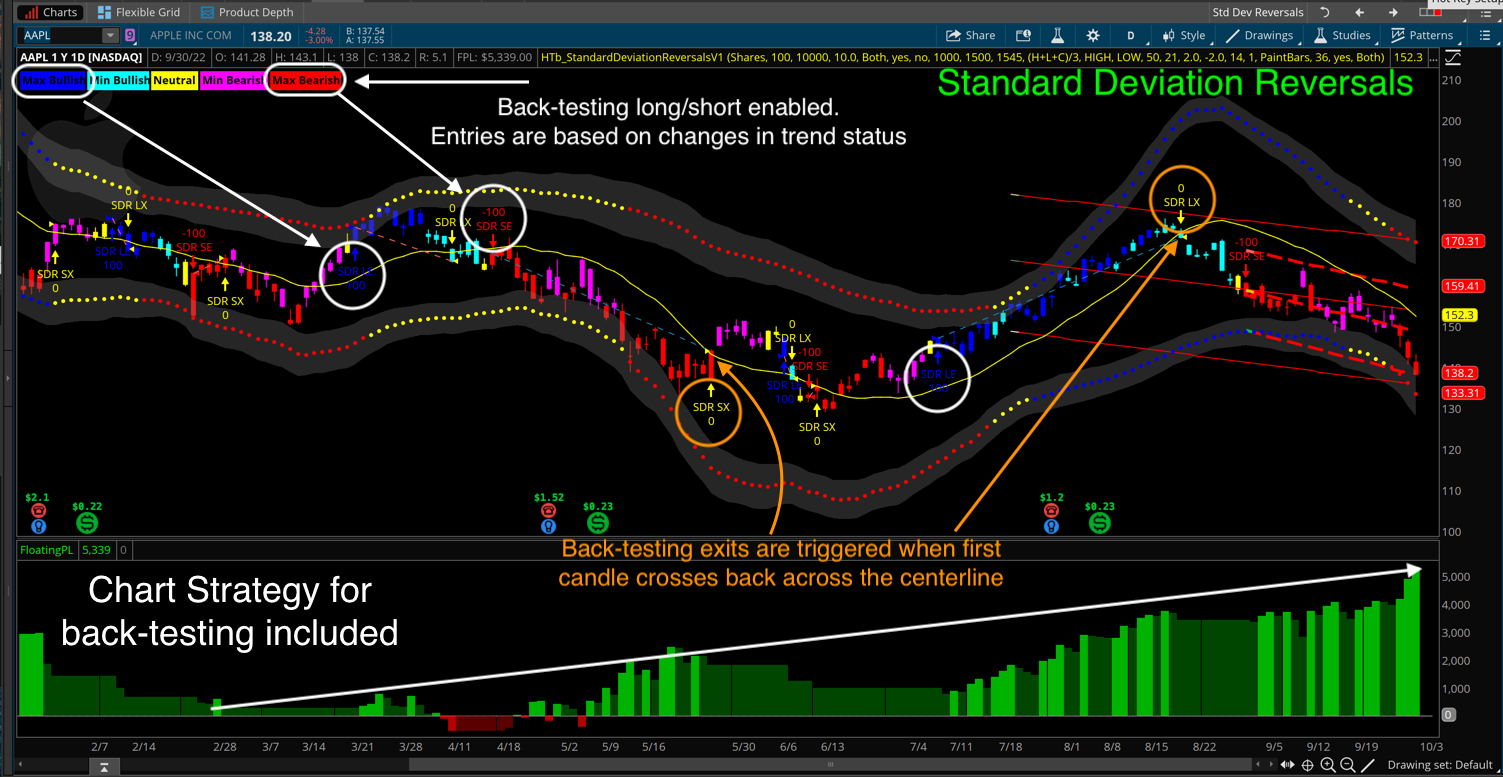
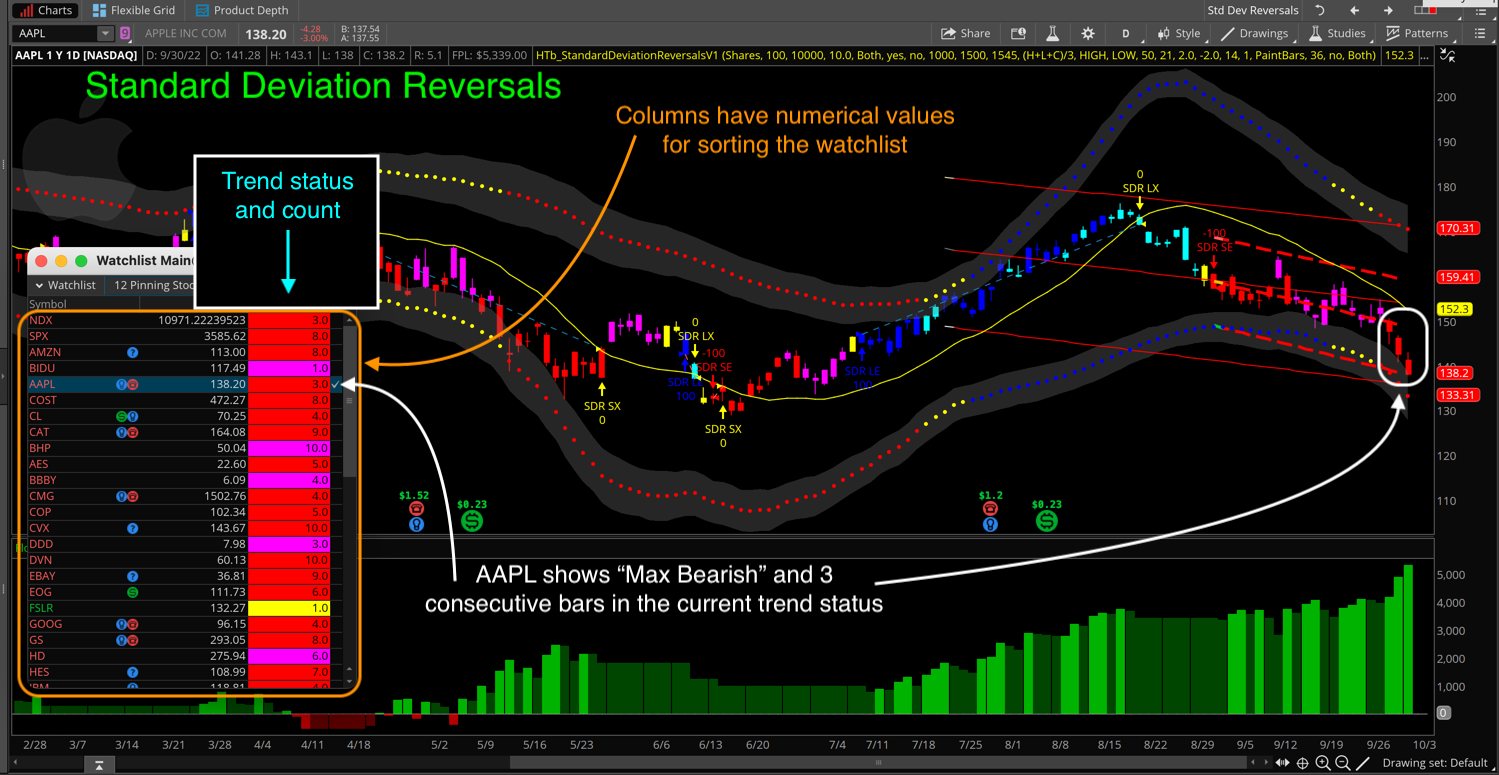
Improved solution for Standard Deviation Channels. Displays trend based on slow and fast channel slopes. Includes indicator, scan, watchlist and strategy for back-testing.
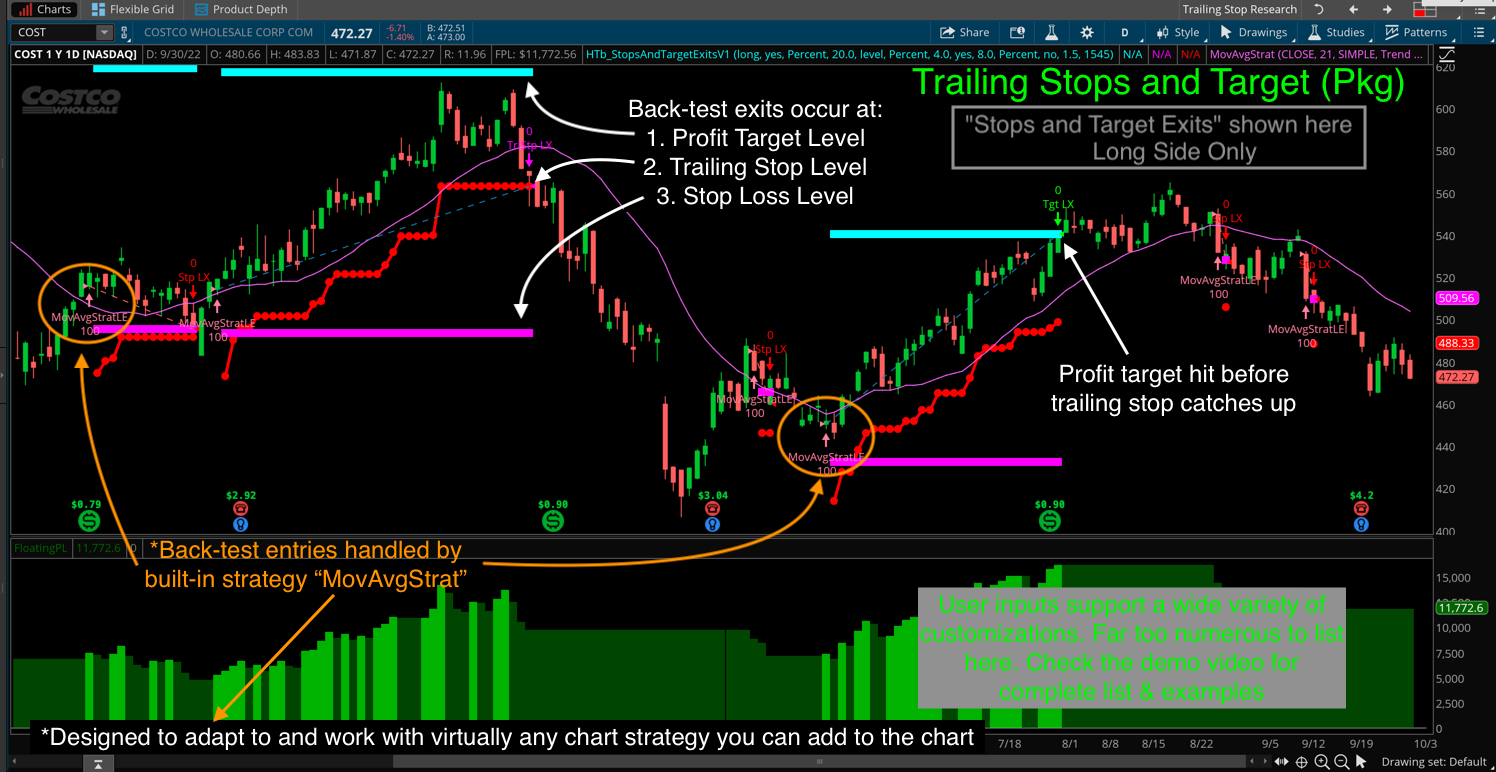
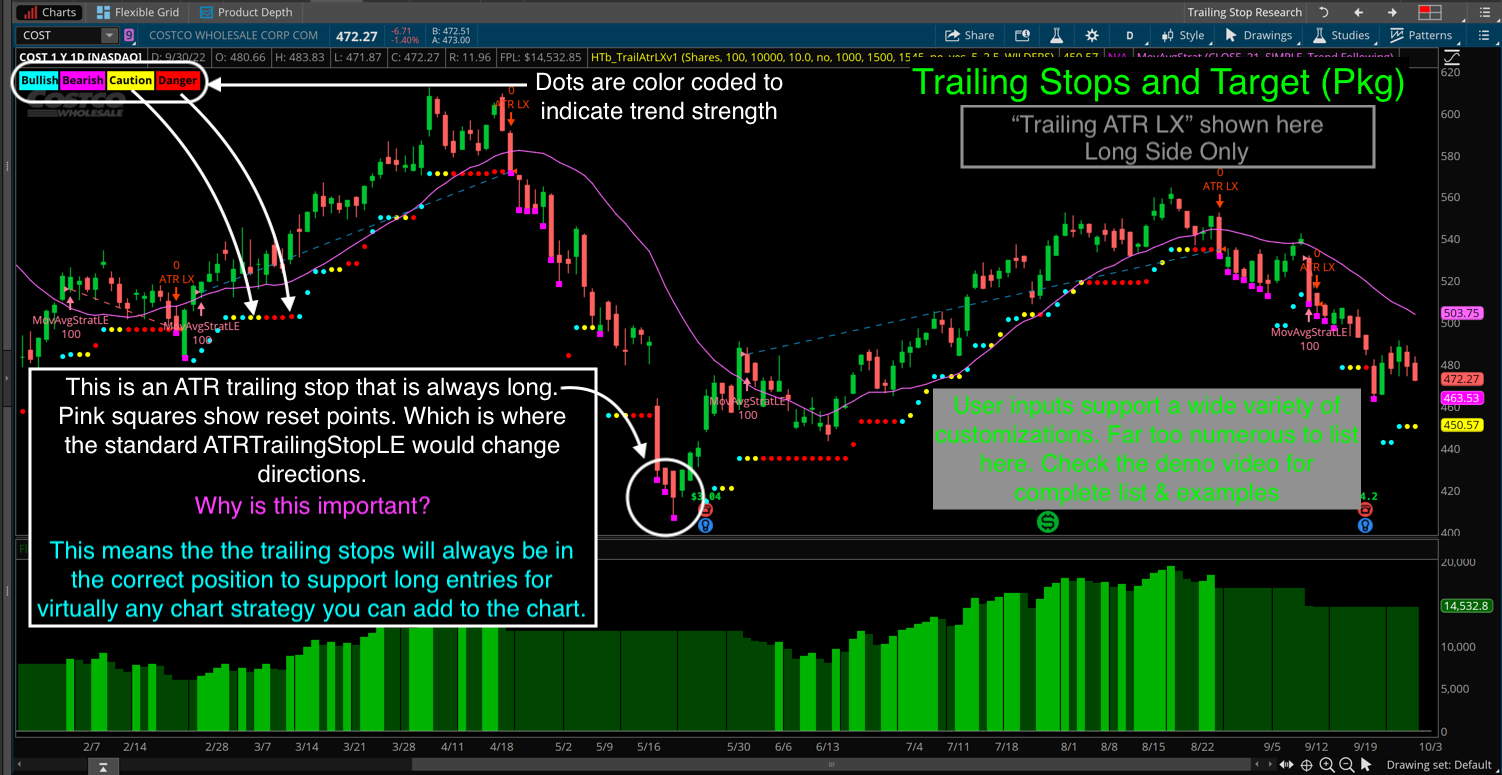
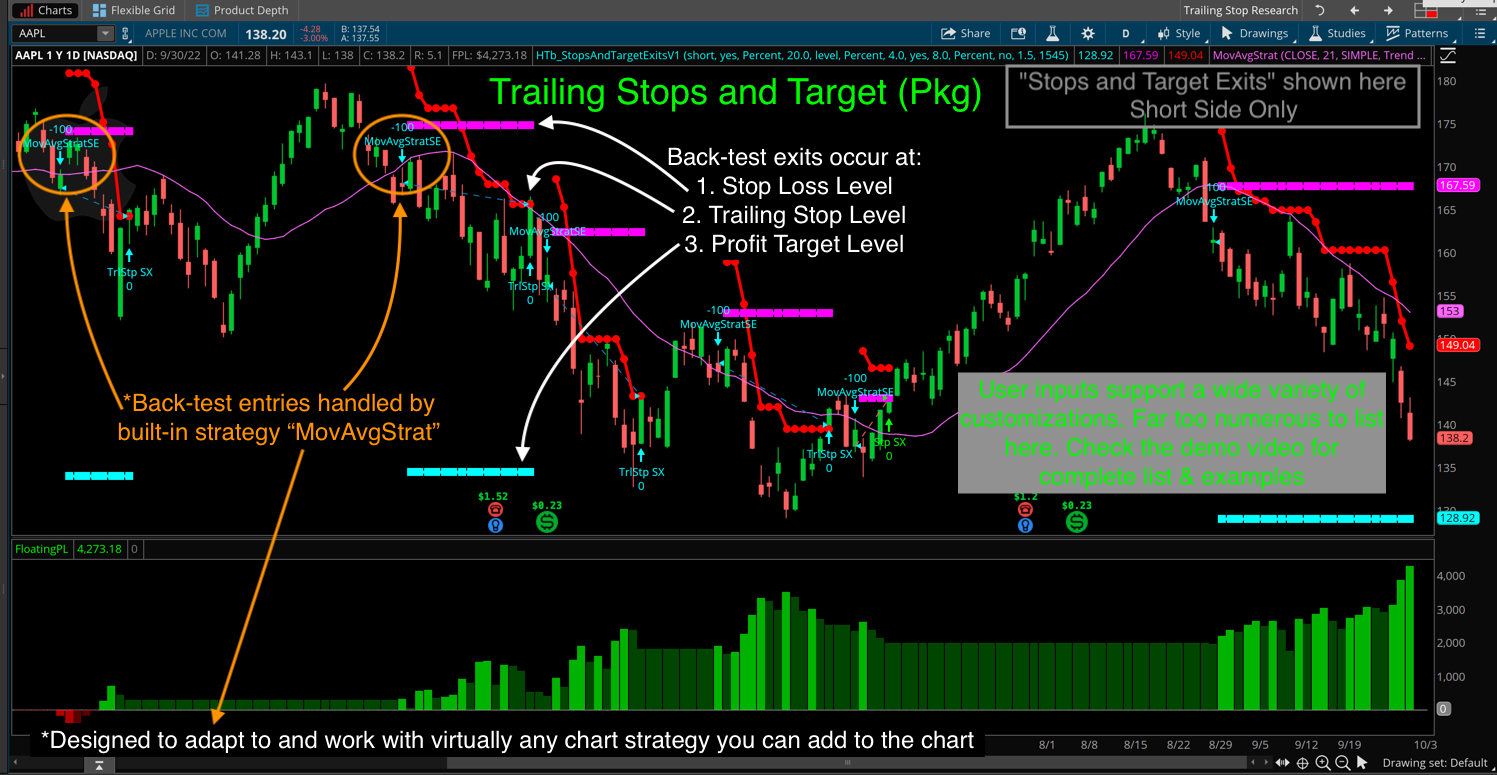
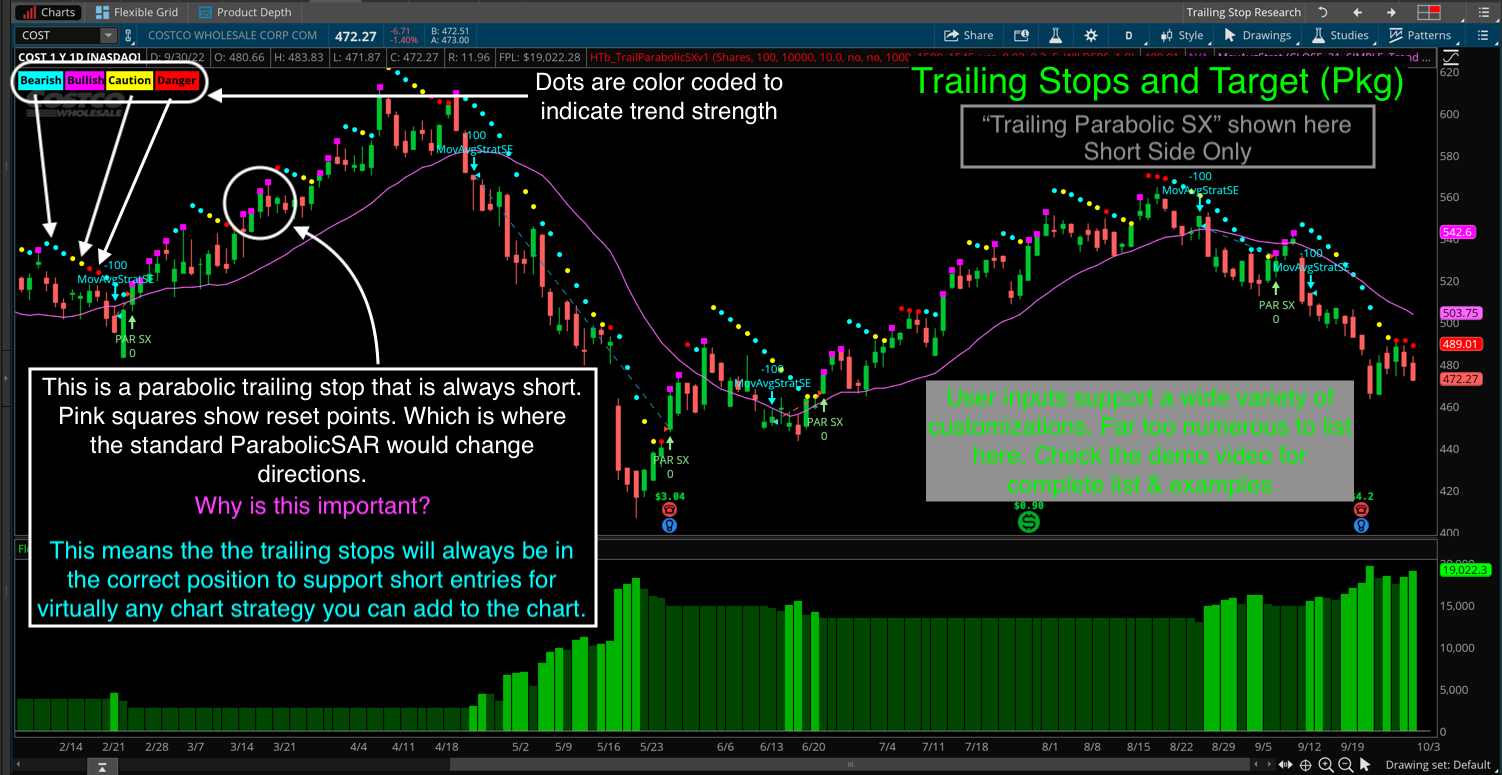
Essential strategies package for back-testing various exit types. Includes: “Stops and Target Exits”, “Trailing Parabolic LX/SX” and “Trailing ATR LX/SX”.
Too Expensive? Check the Parabolic and ATR trailing stops here
* All prices are listed in U.S. Dollars. Prices shown apply ONLY to the Thinkorswim version of each indicator. View the demo video for a list of items included in each package. Refer to the order form for current prices and applicable discounts. Item codes on the order form are explained in the demo video.
On that page you will find an entry level indicator which corresponds to each of the premium packages listed below. Prices for the entry level version are about 25% of the cost of the complete packages listed below.
Hi Robert,
Thanks for inquiring about professional services. Yes, this is definitely one of the services I offer.
However before we even get started you need to know there is no way to do fully automated trading within the Thinkorswim platform itself. And I only build automated trading systems on trading platforms which support this functionality natively. I do not build stand alone programs which access a broker’s API (which would be the only option available for automated trading using a Charles Schwab brokerage account).
Here is a list of trading platforms I can work with, which also provide fully automated trading functionality: TradeStation, Sierra Chart, NinjaTrader, TradingView and TrendSpider.
Is there a video on what I need to turn a study into a strategy? I have a study that I would love to EASILY backtest by turning it into a strategy, but I am not sure what I need to adjust/add/change in the current study that would make it into a strategy. (other than the ADD ORDER stuff)
And in regards to translating a chart study into a chart strategy. The closes thing I have to that is showing how to convert a custom scan into a strategy. And you will find that video located here: https://www.hahn-tech.com/thinkorswim-scan-to-strategy/
Hope that helps. Be sure to browse existing solutions located in the “Strategy Guide” topic of our Q&A Forum to enhance your learning: https://www.hahn-tech.com/ans/cat/strategies/
We use cookies to ensure that we give you the best experience on our website. If you continue to use this site we will assume that you are happy with it.




Do you code custom automated trading strategies? If so how do I hire you to write one?
Hi Robert,
Thanks for inquiring about professional services. Yes, this is definitely one of the services I offer.
However before we even get started you need to know there is no way to do fully automated trading within the Thinkorswim platform itself. And I only build automated trading systems on trading platforms which support this functionality natively. I do not build stand alone programs which access a broker’s API (which would be the only option available for automated trading using a Charles Schwab brokerage account).
Here is a list of trading platforms I can work with, which also provide fully automated trading functionality: TradeStation, Sierra Chart, NinjaTrader, TradingView and TrendSpider.
If you are interested in getting started with a custom project request, you can get all the details on the following webpage: https://www.hahn-tech.com/professional-services/
Thanks!
Is there a video on what I need to turn a study into a strategy? I have a study that I would love to EASILY backtest by turning it into a strategy, but I am not sure what I need to adjust/add/change in the current study that would make it into a strategy. (other than the ADD ORDER stuff)
There is an entire video dedicated to the topic of chart strategies and you will find that page here:
https://www.hahn-tech.com/category/tos/strategies-tos/
However writing strategies is one of the most advanced skills you could ever attempt when writing code for a trading platform.
So I suggest you start with our first video on the topic which will give you a good foundation:
https://www.hahn-tech.com/thinkorswim-strategy-guide/
And in regards to translating a chart study into a chart strategy. The closes thing I have to that is showing how to convert a custom scan into a strategy. And you will find that video located here: https://www.hahn-tech.com/thinkorswim-scan-to-strategy/
Hope that helps. Be sure to browse existing solutions located in the “Strategy Guide” topic of our Q&A Forum to enhance your learning: https://www.hahn-tech.com/ans/cat/strategies/
I would love to set up a call, I am looking for someone to create TOS scans and indicators for me
That is a service we provide, and those requests are handled on the following webpage: https://www.hahn-tech.com/professional-services/